SYSTEM OPERATION - RANDOM TRAINING
..................................................................................................................................................................................................................................
CHARGING THE SYSTEM - RANDOM TRAINING
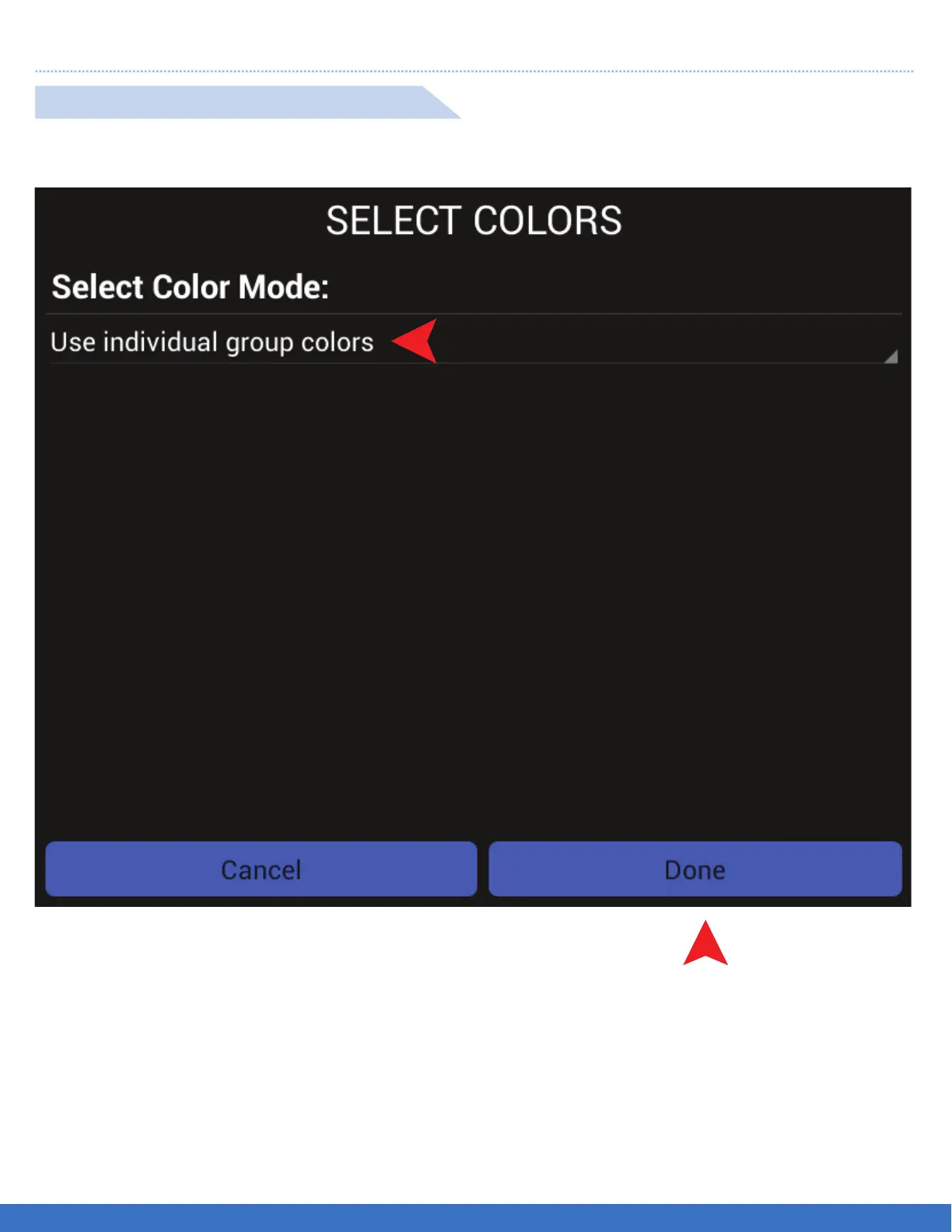
1. Select “Use individual group colours” to assign different colours per group as required.
2. Select “Done” once all group colours are selected.
1
2
USE INDIVIDUAL GROUP COLOURS
FUNCTION: Use this function when lights are assigned to groups. Colours will be automatically assigned.
22


 To Next Page