2.6 Multi-function Mode
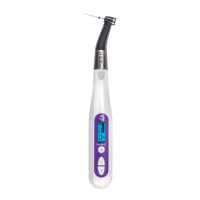
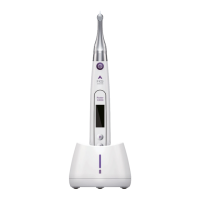
While the test wire B is connected to the motor handpiece, the device
enters the Multi-function Mode automatically. Please refer to Fig. C, D, F.
2.6.1 Connect the Components
a) Connect lip hook
b) Connect test wire B
c) Connect contra angle and file.
d) Connect contra angle holder/lighting device
CAUTION:
• Do not bang or bump the plugs when they are inserted.
• Make sure the plug is all the way in. Otherwise canal measurements
cannot be made.
• Do not wind the probe cord around the device.
• Always clip the electrode on the file when using it. Otherwise,
measurements may not be accurate or rotation may not be properly
controlled. (It may not be possible to measure a canal if blood or some
other liquid overflows the canal or if the canal is completely blocked.)


 To Next Page