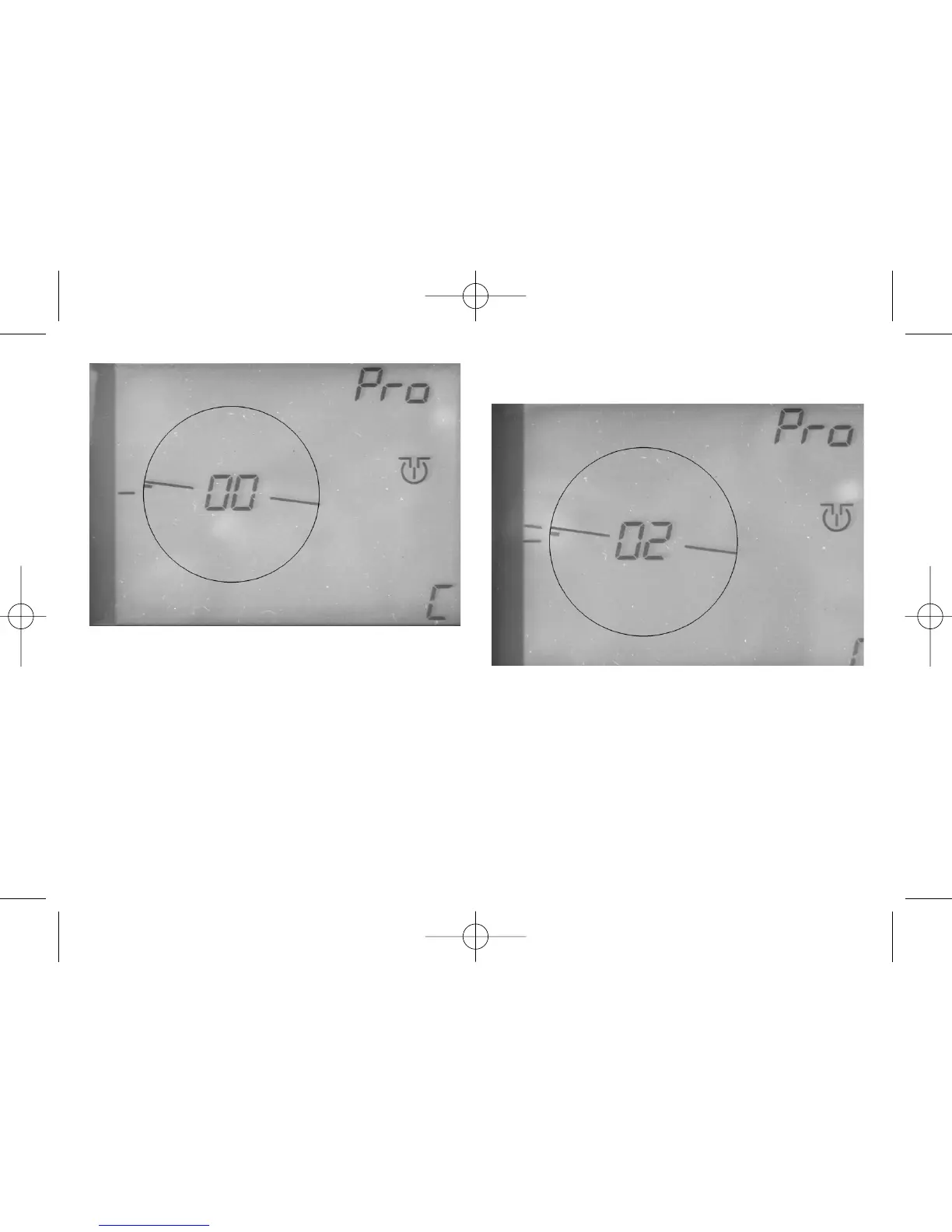
➜ Confirm!
The left hand side of the bridge symbol will now
blink. After turning again the red knob, a second
tiny strip will appear beside the bridge hut symbol.
➜ Confirm!
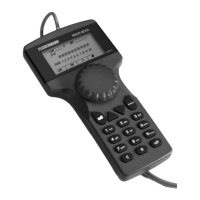
➜ Turn the red knob until the number "02"
blinks in the display in the place of the
indication "00" (Fig.12).
➜ Confirm!
The track exit number "02" has now been put in
and remembered.
After this step, your display should look like that
shown in Fig. 12.
The third step is just the same as the second.
➜ Turn the red knob until the bridge has
reached the position of the third track exit.
➜ Confirm! After turning the red knob again, a
new tiny strip will appear beside the bridge
hut symbol.
➜ Confirm!
38
Fig. 12 2. Put in 2nd exit
Fig. 11 Create 2nd exit


 To Next Page