26
NORDIC S3
12.2. STARTUP AND CONNECTION OF THE UNIT
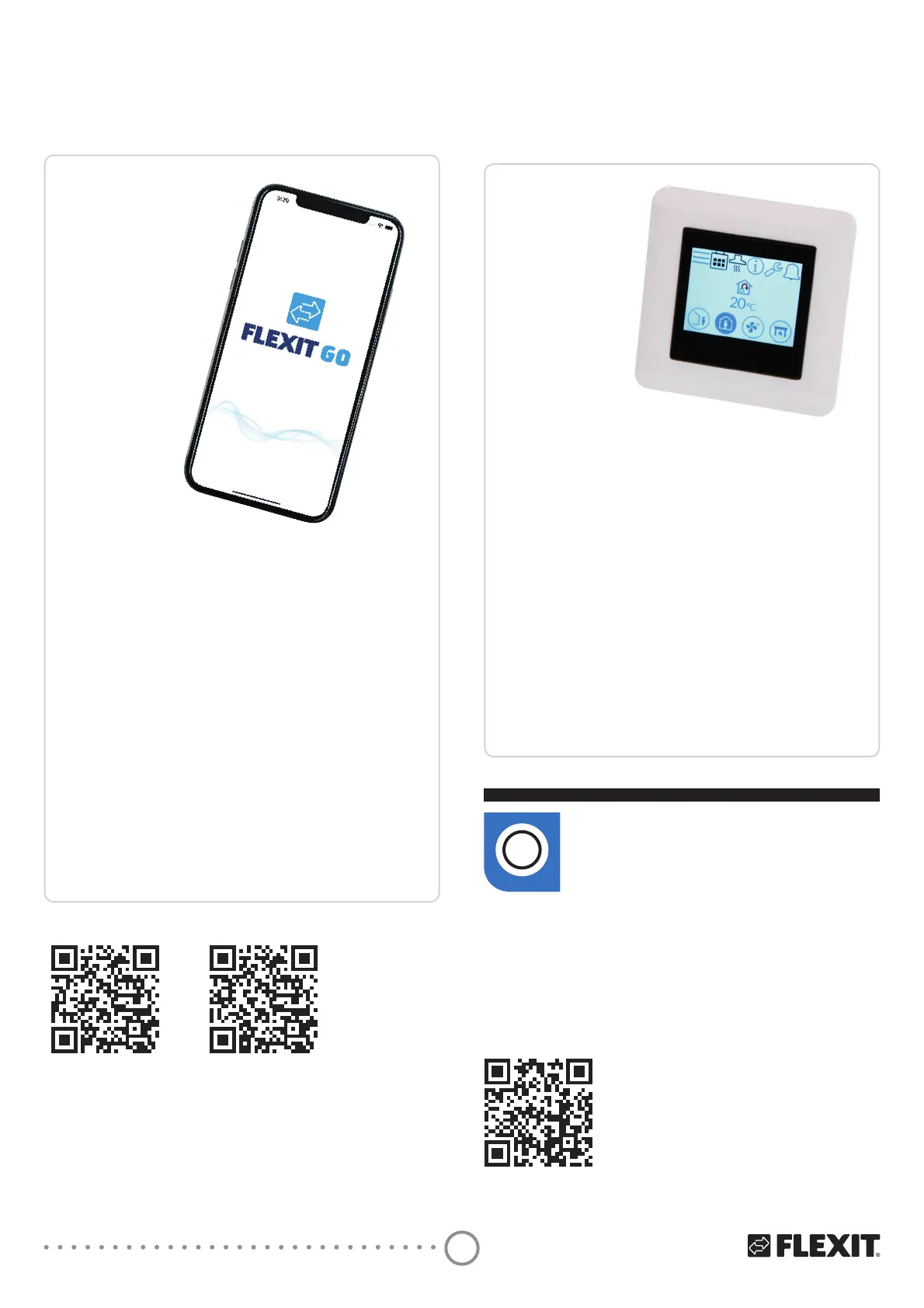
Flexit GO app
Using the Flexit GO app:
Alt. 1: Connect the unit to the home’s router.
Alt. 2: Connect the unit to its own access point, see
manual 116734.
• Connect the unit’s power cable.
• The unit will now start.
• The unit will automatically carry out a startup
procedure lasting approx. 3 min.
• Check that the app is connected to your unit. If not,
follow the connection instructions in the startup
guide for end user (116908).
• After the startup procedure the unit will follow the
factory default operating settings.
• The settings can be changed using the app.
• Make sure that adjustment has been carried out in
accordance with the manual and project
engineering documents (ventilation data
documentation).
Startup guide
(installer)
NordicPanel
(accessory)
See manual
(120018).
For use with a control panel (accessory):
• Check that the control panel has been wired up
and connected to the unit according to the manual
(120018).
• Connect the unit’s power cable.
• The unit will now start.
• The unit will automatically carry out a startup
procedure lasting approx. 3 min.
• After the startup procedure the unit will follow the
control panel’s default settings.
• The settings can be changed from the control panel.
• Make sure that adjustment has been carried out in
accordance with the manual and project
engineering documents (ventilation data
documentation).
Startup guide (end
user)
Installation instructions
NordicPanel
NordicPanel can be fitted to Nordic
air handling units manufactured
after 1 October 2022.
i
Just check for a cable on top of the unit marked
“NordicPanel”.
You can also install NordicPanel on older units
manufactured between May 2019 and September 2022.
All you need is a cable kit. Contact your nearest dealer
for more information.
For insta
ller, see
startup guide
(116628) for
connection to net.
For end user,
see startup guide
(116908) for
connection to
net.


 To Next Page