FLEX-6000 Signature Series – Maestro User Guide
Page 165
Copyright 2019 FlexRadio Systems. All Rights Reserved.
33.7 FUNCTION BUTTONS
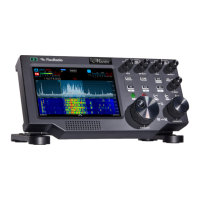
The function buttons provide a means to map a selection of radio operations to front panel buttons
for convenient access. Mapping of the operations to the buttons is performed on the Main Menu
Function Buttons tab. See section 30.4, Function F1-F6 Tab for complete details.
A short press of the F1, F2 or F3 button invokes the function mapped to F1, F2 or F3 respectively. A
longer press of one of the buttons invokes the function mapped to the F4, F5 or F6 button. A second
long or short press reverses the action of the first press.


 To Next Page

