1. Start & Setting
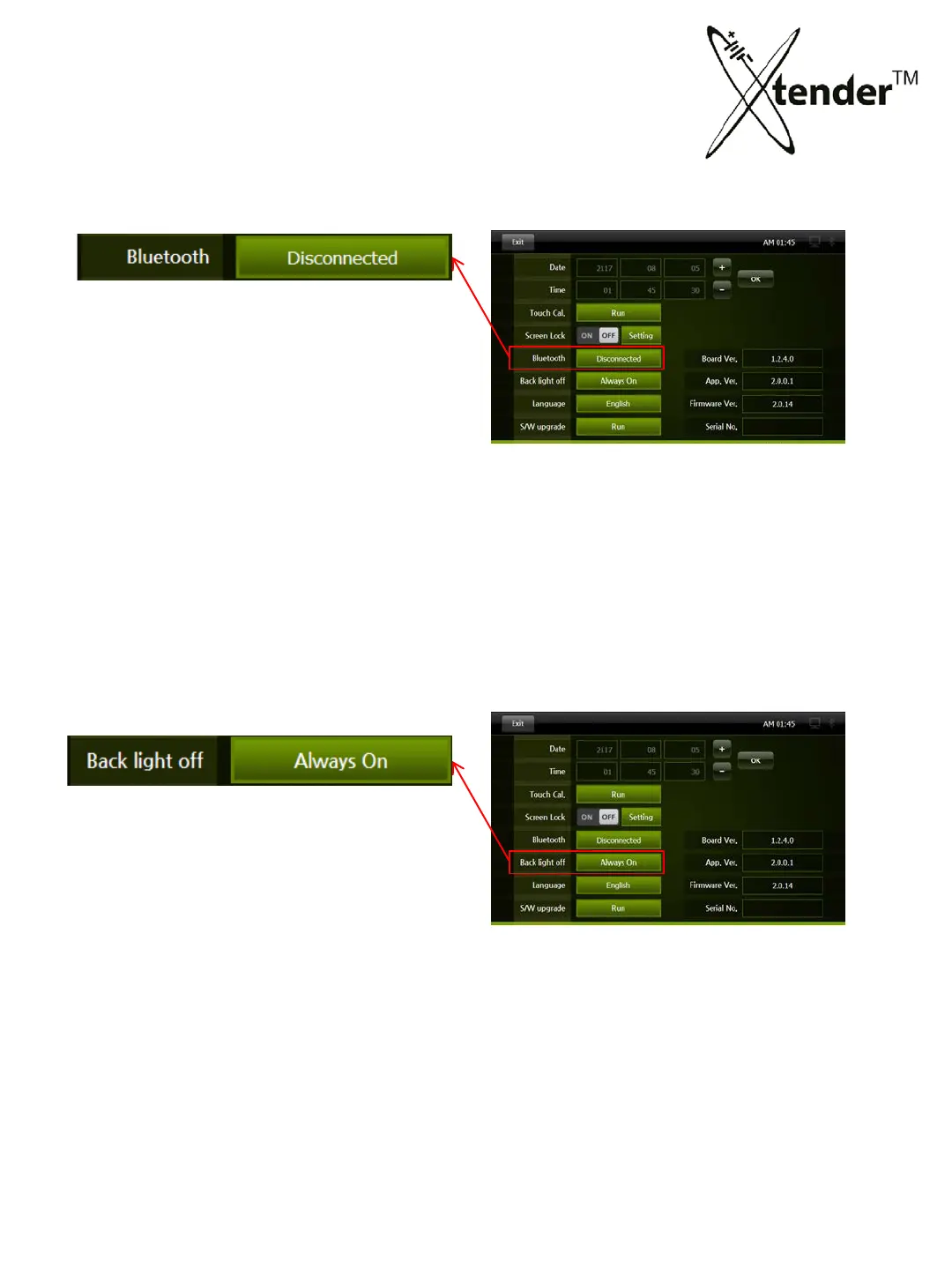
SETTING SCREEN – BLUETOOTH
Bluetooth wireless communication
between Xtender and Integrated Receiver.
Connected :
Disconnected :
SETTING SCREEN – BACK LIGHT OFF
For the life span of LCD & energy saving, LCD
Back light will be automatically off after set time
regardless of operation of Xtender.
You can resume back light on by touching
any part of screen.
<options>
Always On :
After 30min : Back light off automatically after 3o minute
After 1 hour : Back light off automatically after 1 hour
30



 To Next Page