3. Useful Additional Function
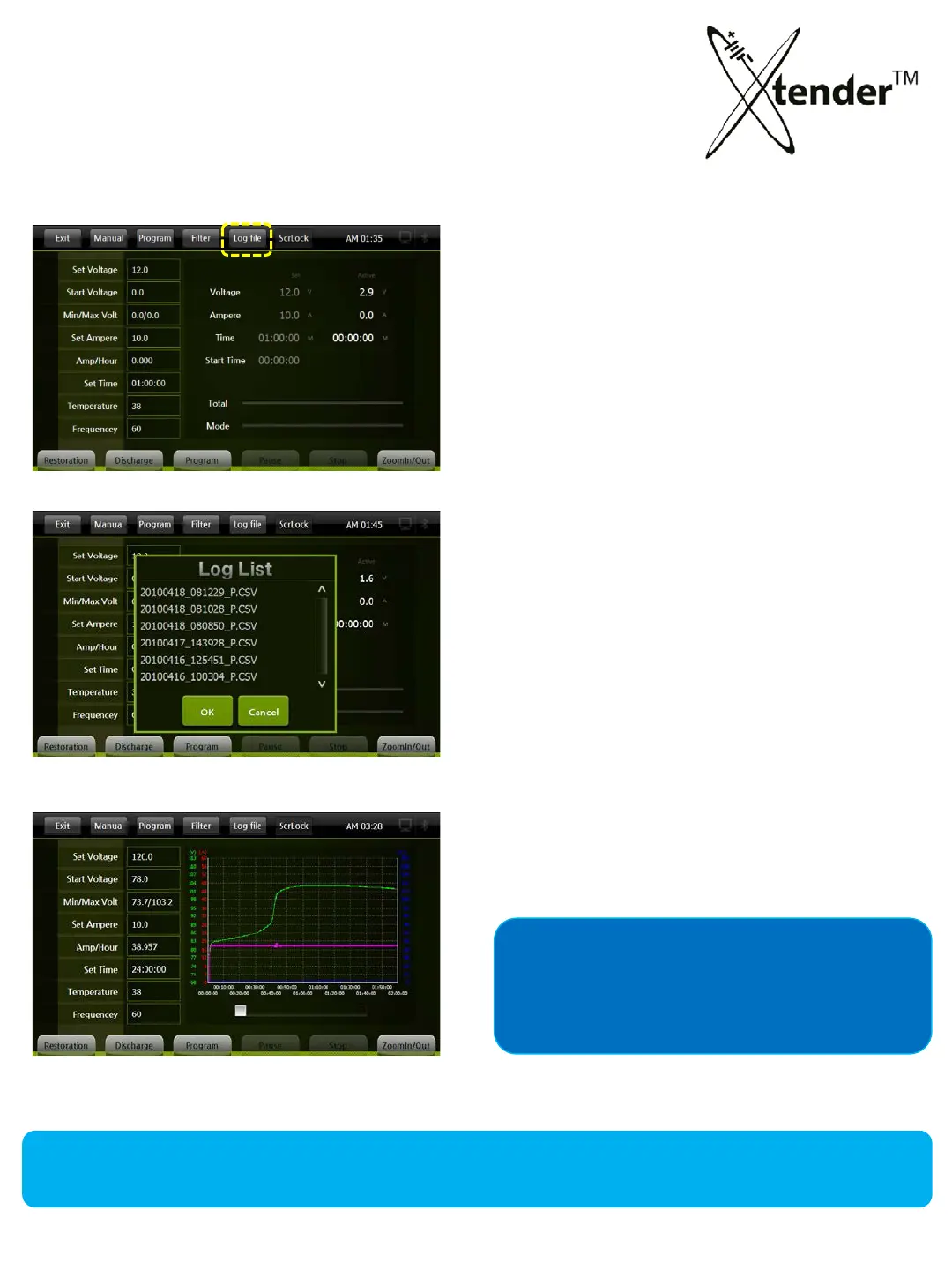
LOG FILE :
Log file : All operation data is saved on SD Memory Card, you can load the saved file to the
screen for a graph to see full details at a glance about the operating and processing.
Click Log file
You can check the details of Xtender operation
by
loading log files saved in your SD Memory
Card.
Active Log Files are created by the operation time
of X
tender and saved as the title of Starting date
& time of operation.
R: Restoration (Regeneration Charge),
D:
Discharge
P: Program Mode
You can output the results on the screen and
check
the operation easily.
If you have problems during operation
of Xtender, please send your Log Files to the
Head office to solve the problems quickly.
50



 To Next Page