3. Useful Additional Functions
If you loose password or need urgent operation, you can power-off then resume power-on to cancel
and reset Screen Lock.
!!! Forced termination during operation of Xtender could damage unit & battery!!!
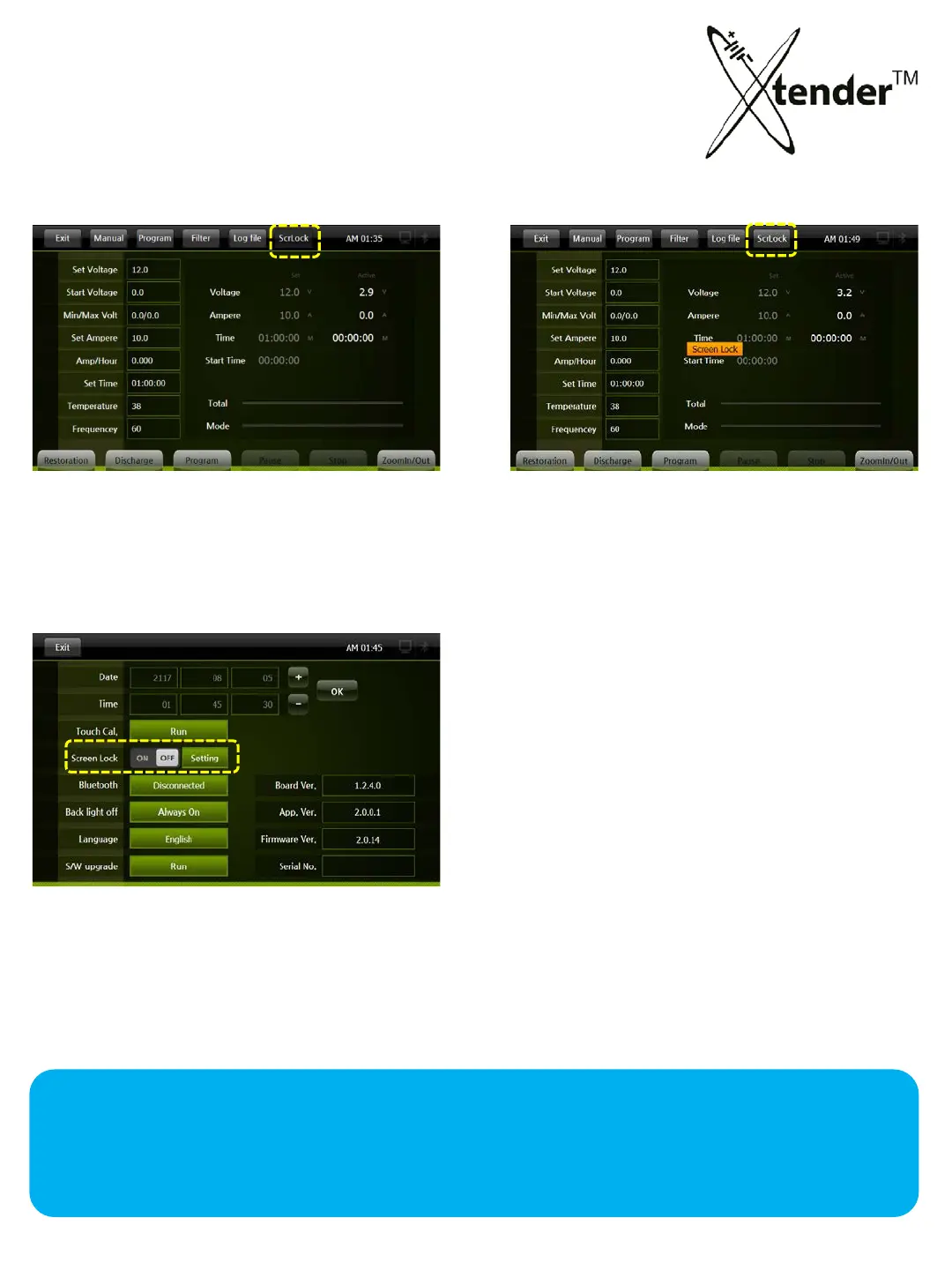
SCREEN LOCK:
Non activation
Activation
ScrLock is the function that protects Xtender from changing Set Data by others except authorized
op
erators.
Lock process : Activate according to following process.
① Click “ON” to Screen Lock in Setting Screen
(Setting of Password was explained in page 29)
②
Click ScrLock of operation Top Menu
it starts the function of “Screen Lock”
③ After 10 minutes “Screen Lock” activates
automatically
51



 To Next Page