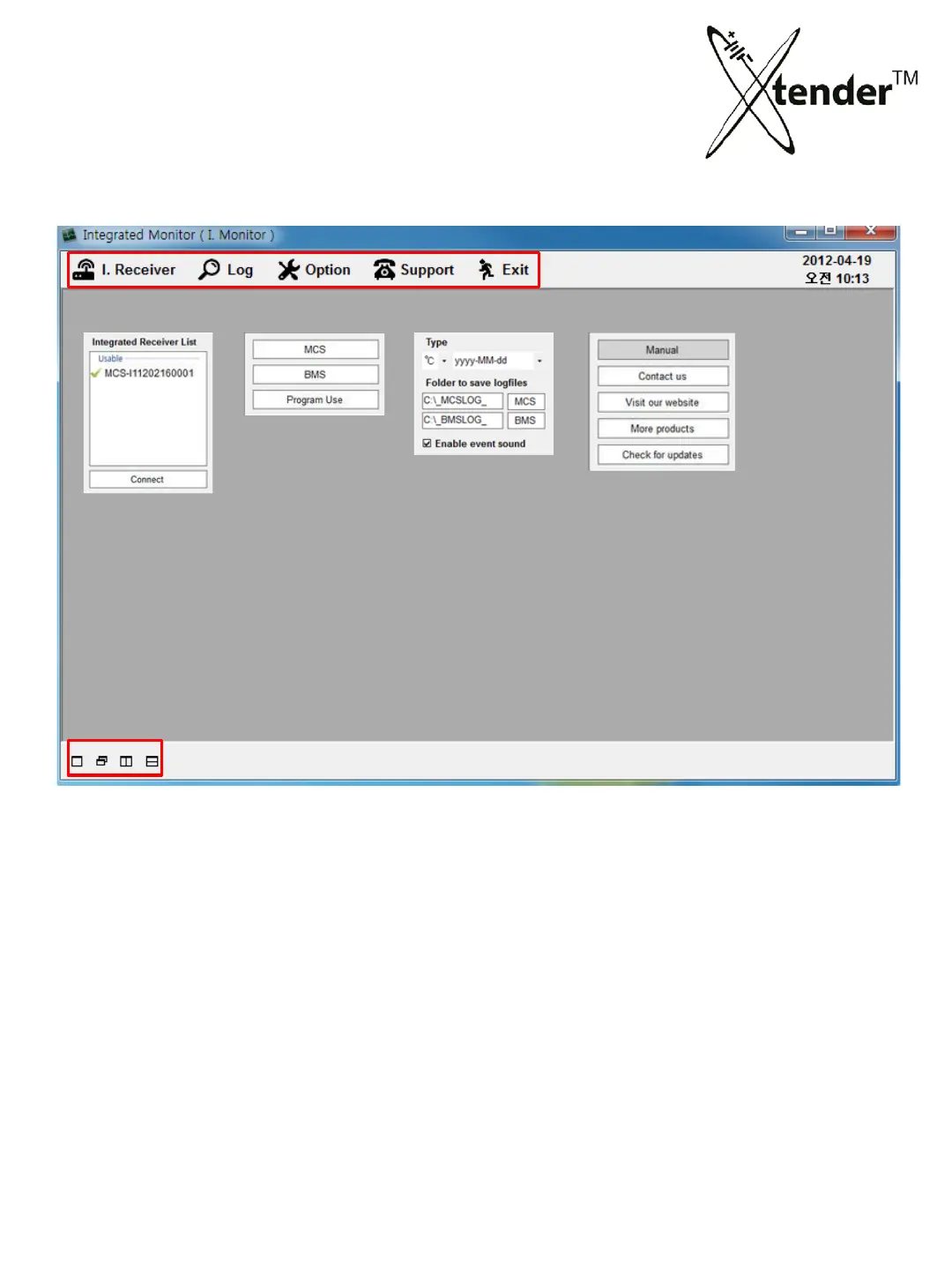
5. Xtender Monitoring Program for PC
INTEGRATED MONITORING PROGRAM
Double click the generated icon of Integrated Monitoring Program on the wallpaper to activate
program as above picture.
Connect your PC with “Integration Router” using USB Cable supplied with Xtender.
COM PORT will be set automatically.
Integrated Monitoring program can perform following functions.
① Xtender O
peration
② B
MS Operation
③ Xtender Operation & BMS Operation at the same time.( Integrated operation is possible only
for
Discharging, not for Restoration.)
④ Loading the Log Files saved and issuing the Test Reports.
[I. Receiver] [Log] [Option] [Support]
• Device connected
list
• Log f
iles of
Xte
nder (MCS)
• Log files of BMS
• History
• Change of Temp,
Dat
e
• Change of save
folde
r
• Sound On/Off in
even
t
• Manual & othe
r notice
• Window align
58



 To Next Page