Note: Make sure that you don’t modify anything else.
Go back to the Nexus Configuration page (you might have to log in again), select “Configuration File”
and scroll down to the bottom of the page. Click on “Choose file” and select the “server.ini” file you
just modified. Click on “Upload”.
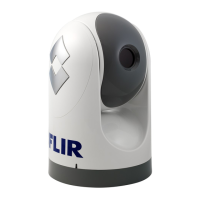
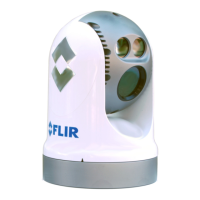
The FLIR M-Series Nexus server needs to be restarted to take the changes into account.
Go to the very top of the page (header) and click on “Stop”
Wait until the Start button appears, and then click on it.
Your TZtouch display should now be able to detect and control the Camera.


 To Previous Page
 Loading...