Advanced Thermal Solutions SC2500 User Manual
DCO65U-E SC2500 User Manual Page 16
6.5. Lock-In connection
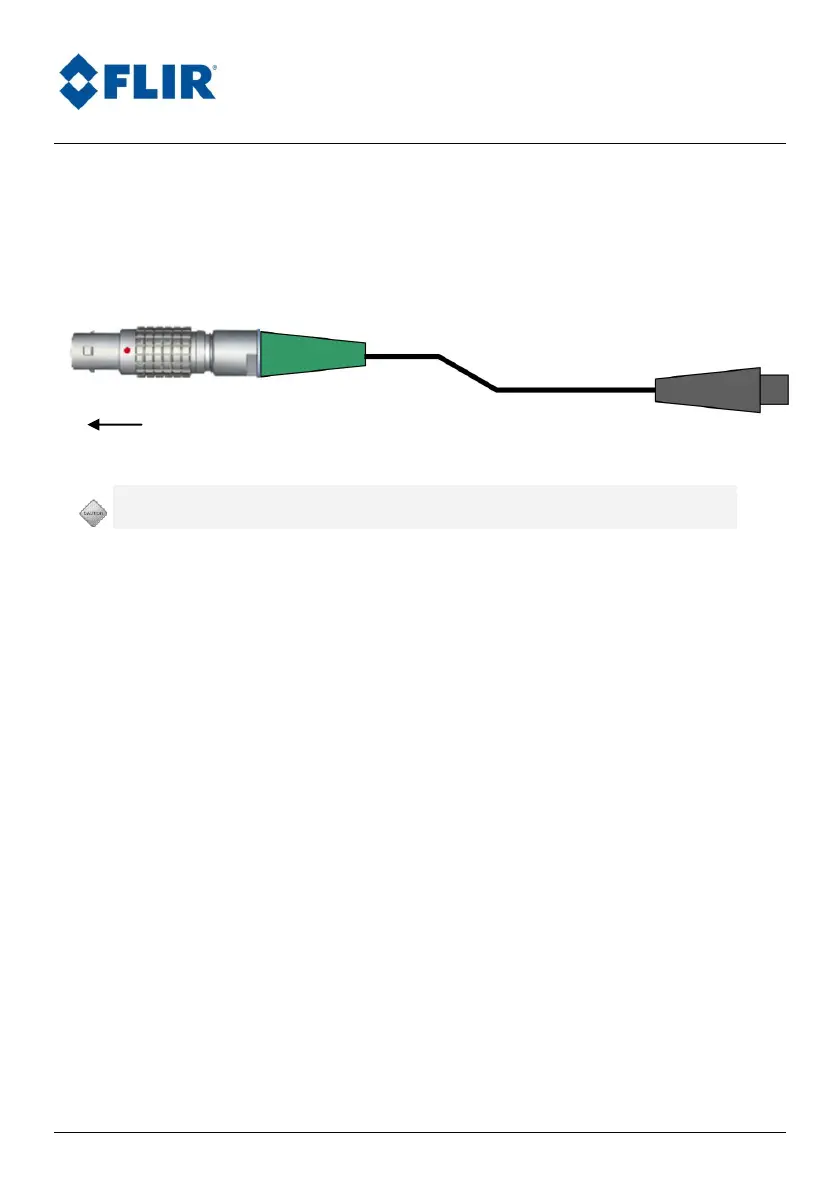
To use the Lock-In option, you need an X0914 cable linked to the SC2500
Lock-In connector.
Lock-In
Input Range 0-10V peak to peak / 1Hz up to 5 kHz
Connect the Lock-In connector’s input to your signal generator source. Detailed
use of Lock-In can be found in ALTAIR’s or TheSA’s manual.



 To Next Page