OPERATING INSTRUCTIONS
16
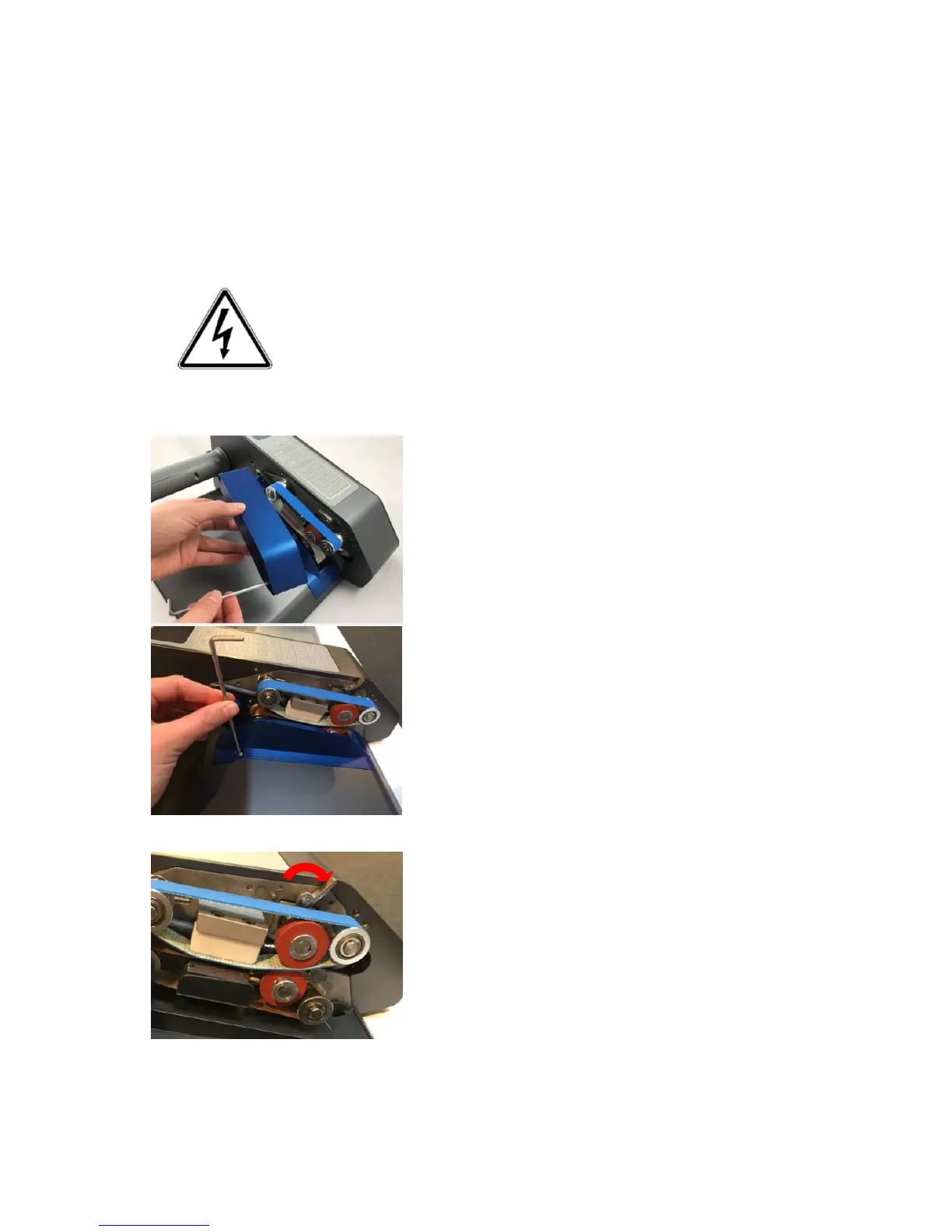
Change the Transport belts
You can easily change the Teflon belts for AirWave1 yourself.
Step 1: Switch off and disconnect power
Switch off the machine and disconnect power
Always switch off the machine before opening it. Disconnect power to
the machine by removing the power cord completely from the
machine.
Allow the machine to cool down!
Step 2: Remove covers



 To Next Page