212516 D/GB
19
GB
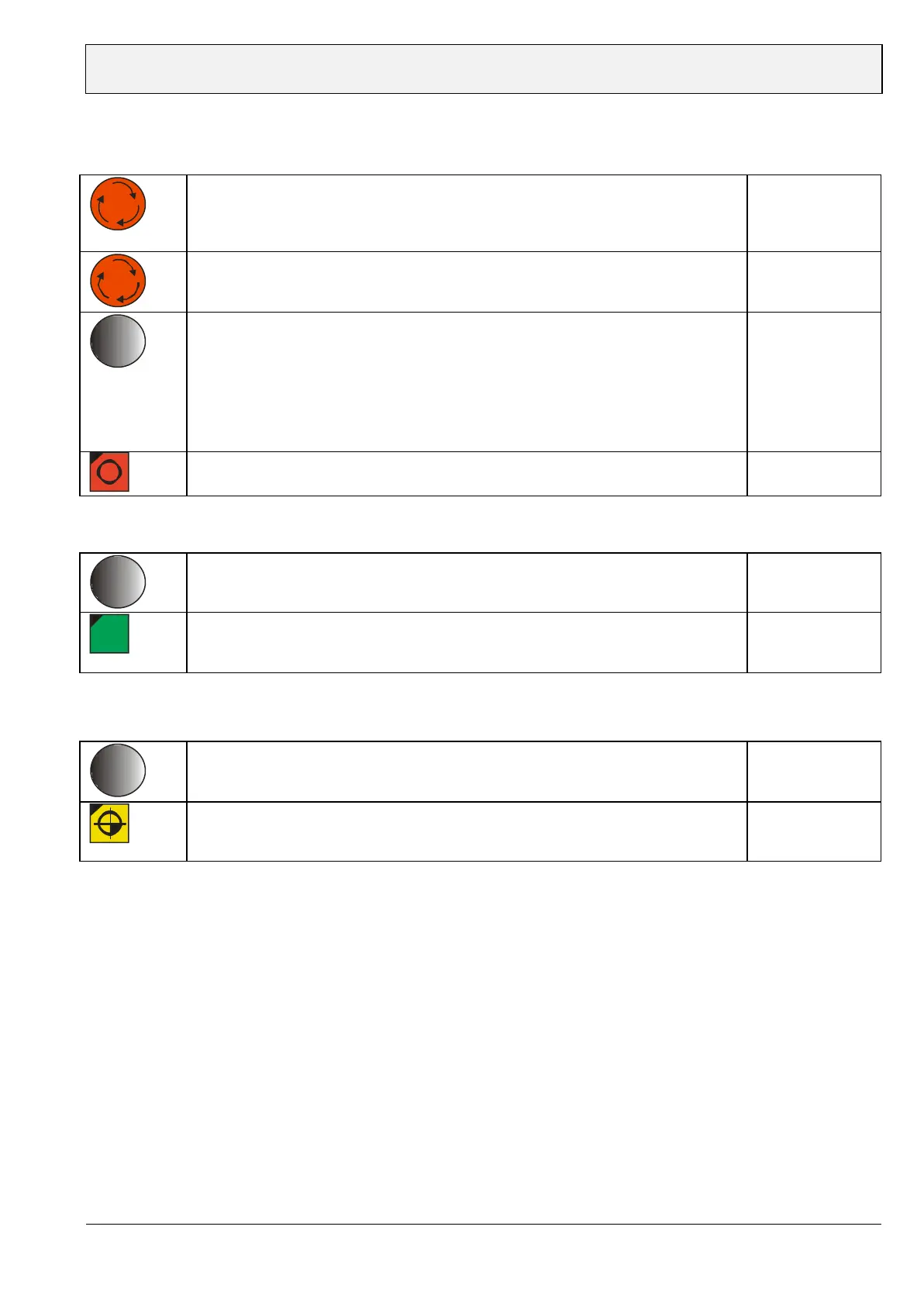
Enter Sub menu
Turn-off machine and power supply
Display black
Turn on power supply and push control knob approx. 5 sec.
turning
pushing
Display of sub menu:
FLOTT version:……..
Serial no:………..
Unit: mm/inch
List of errors:
Spindle stop: off/on
Service passwort:
Exit menu
Spindle stop function (enter sub menu)
“Spindle stop” function: on – push turning knob
and exit menu
START Drilling/Tapping
After tapping/drilling and guiding the spindle upwards the spindle stops
turning 0.3 mm(Display Drill depth: - 0.3.mm) away from zero point.
Piece counter function (enter sub menu)
When starting the piece counter commences with “0” and counts higher when
reaching the nominal depth. When turning off the machine the counter is
reset to “0”.
During operation the counter can be reset to “0” by pushing the zero point
button for approx. 3 sec.
Attention: The zero point is also adopted for the digital depth display.


 To Next Page