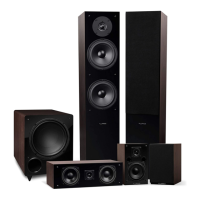
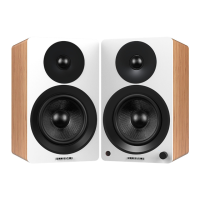
Fluance Ai60 Quick Start Guide
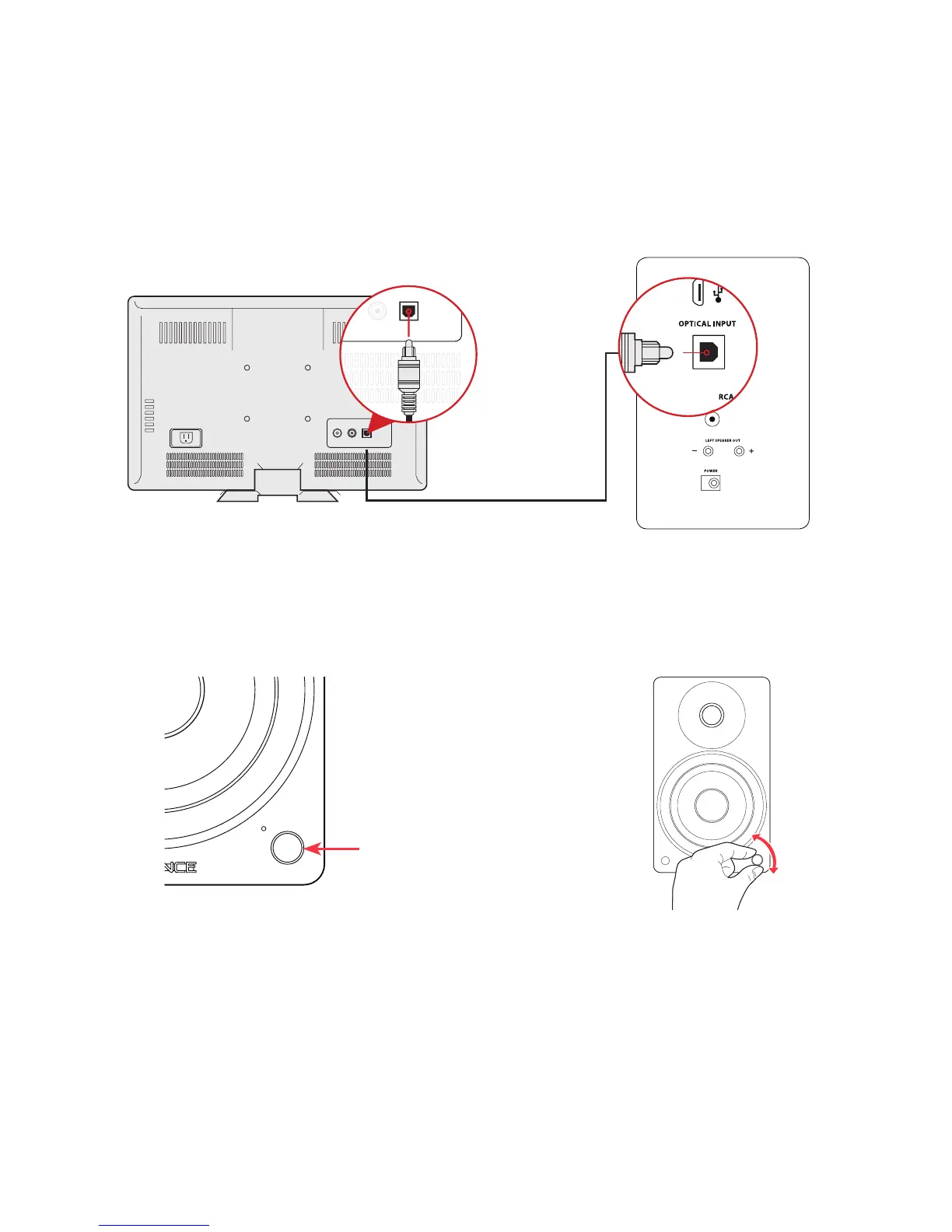
Optical Input
1. Connect the Optical cable to your source
device (TV, Computer, Game Console...).
2. Connect the other end of the Optical
cable to the back of the Active Speaker.
4. Adjust the volume on Ai60 as well
as source device.
3. Press the Control Knob to select the
Optical Input (White LED).
Optical Audio Signal Compatibility
The Ai60 does not support Dolby Digital Audio or DTS Audio. Locate the audio output settings
on your source device and ensure Dolby Digital is turned off. The correct audio output setting is
commonly referred to as PCM or Stereo.
Some TVs also require that audio output be enabled. This setting may be referred to as External
Speakers. Ensure this is selected as your speaker/audio output.
For instructions on a specic device, please consult the device’s user manual.
*Optical cable not included


 To Next Page