Fluid Management Customer Service 1 . 800 . 462 . 2466
4
|
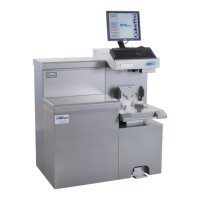
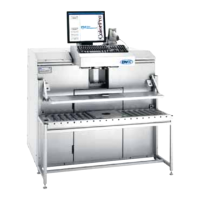
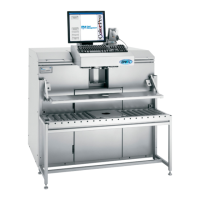
Accutinter1600
Contents
About this Guide
5
How to Use this Guide
5 For Your Safety
Important Safety Information
6 Information and Instruction Labels
6
Safety Notice Information
6
General Safety Information
6 Air Circulation
7 Grounding
7
Danger
7
Caring for Your Computer
7 Communication Regulation Information
Getting to Know Your Accutinter 1600
8 Technical Specifications
8
Environmental Conditions
8 Optional accessories
9 Accutinter 1600 Features
10 Tips to Improve Operation
Getting Started
11 Installation
12 Unpacking and Set Up
14
Connecting the label printer (optional)
14
Connecting the barcode scanner (optional)
17
Preparing and refilling the canisters
19 Preparing the system
20 Using the shelves
Basic Operations
21 Welcome to ColorPro4
22 Main menu
23 Dispensing from Formula Book
25 Manual dispensing
26 Using an external data source
and dispense queuing
27 Adjusting formulas
28 Using color scaling
29 Purging the lines
30 Stirring the colorant
31 Using ColorPro Help
Maintenance, Care, and Use
32 Daily, weekly, monthly
maintenance
Frequently Asked Questions
34 Equipment troubleshooting
38 ColorPro troubleshooting
Service
40 FMDirect
40 Upgrades and Replacement Parts
40 Obtain Warranty Service
Warranty
41 Fluid Management Statement
of Limited Warranty
Index
42 A - W
Appendix A
Suggested Cleaning Maintenance
Guide


 To Next Page