13
1.5 RATING - Set the rating of this player. If you want to change the rating of
parental lock, please input the password to unlock it first.
Options: 1 KID SAFE / 2 G / 3 PG / 4 PG 13 / 5 PG-R/ 6R / 7 NC-17 / 8 ADULT
1.6 DEFAULT - Reset to factory settings. Options: RESTORE
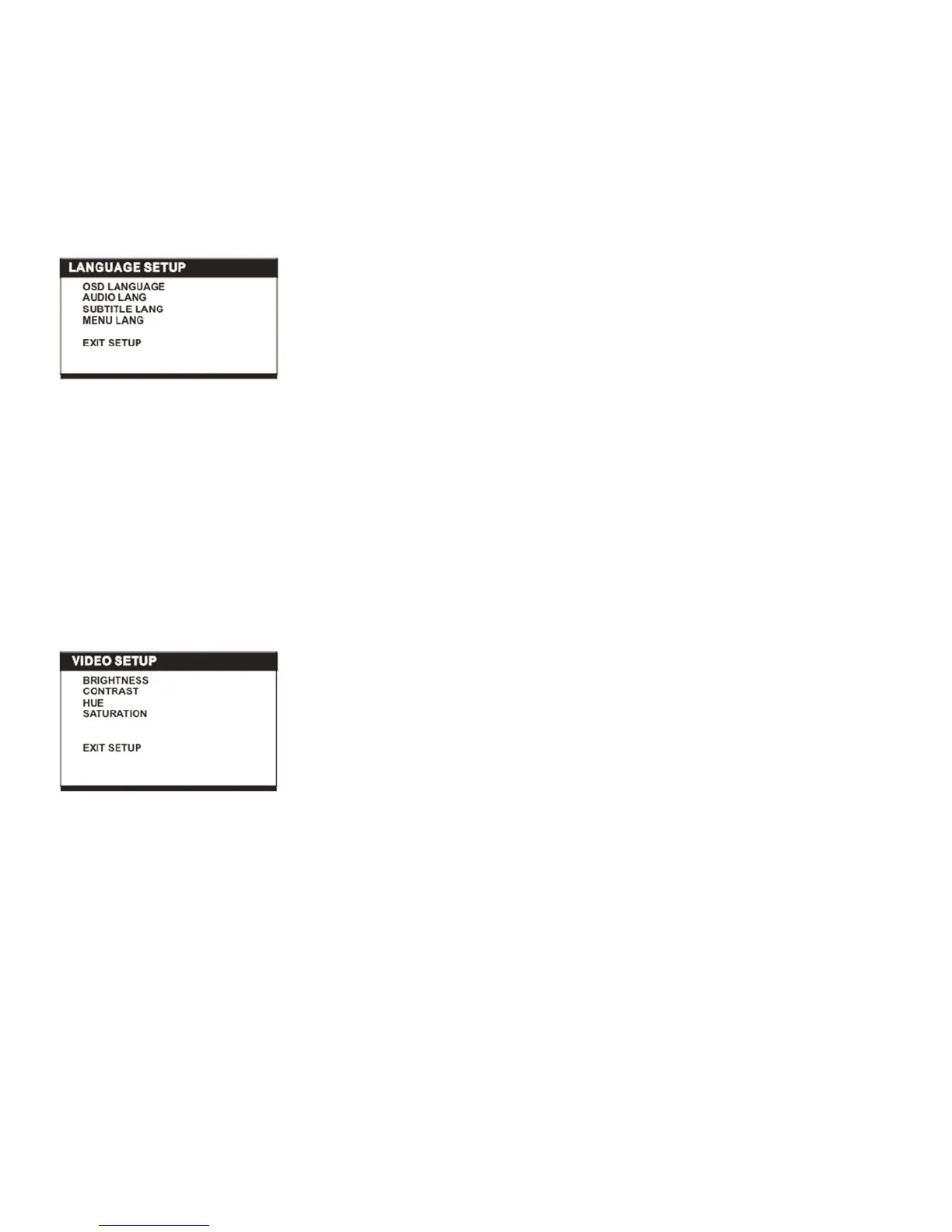
2. LANGUAGE SETUP
2.1 OSD LANGUAGE - Used to select different On Screen Display language for
different user.
2.2 AUDIO LANG - Select preferred audio language. (DVD only, need disc
software support)
2.3 SUBTITLE LANG - Select preferred subtitle language. (DVD only, need disc
software support)
2.4 MENU LANG - Select preferred disc menu language. (DVD only, need disc
software support)
3. VIDEO SETUP
3.1 BRIGHTNESS - to set the brightness for the display.
Options: 0/2/4/6/8/10/12
3.2 CONTRAST - to set the contrast effect for display.
Options: 0/2/4/6/8/10/12
3.3 HUE - to set the colour impression for display.
Options: -6/-4/-2/0/+2/+4/+6
3.4 SATURATION - to set the saturation level for display.
Options: 0/2/4/6/8/10/12



 To Next Page