EasyManua.ls Logo

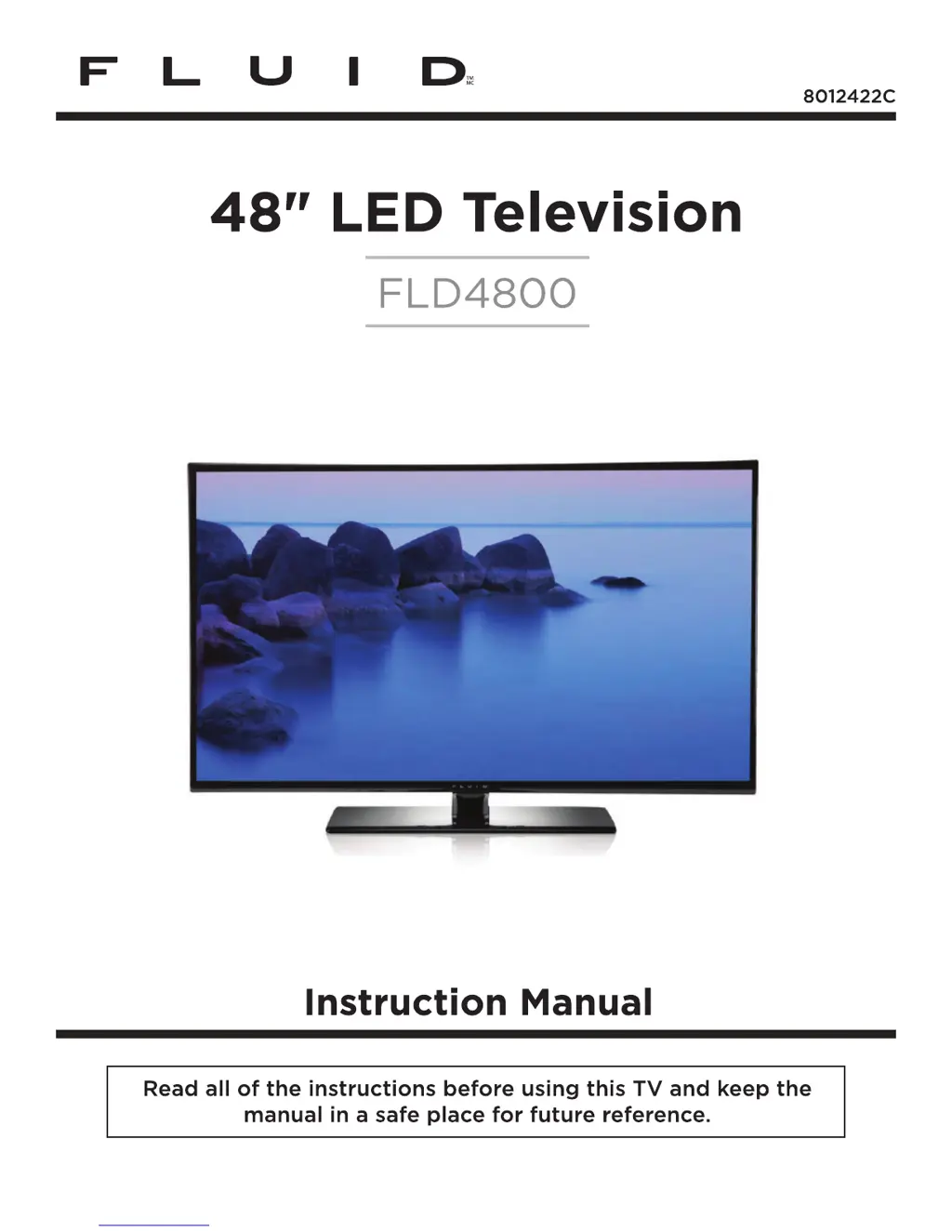
Fluid FLD4800 - User Manual

Fluid FLD4800
23 pages
Print Icon
To Next Page IconTo Next Page
Loading...

Questions and Answers

  • E
    Erin WagnerSep 2, 2025
    How to improve poor reception on Fluid FLD4800 channels?
    • P
      patricia61Sep 2, 2025
      If your Fluid LED TV has poor reception on some channels, try tuning to another station, as the station or cable might be experiencing problems. If the station signal is weak, re-orient the antenna for better reception. Also, check for any sources of possible interference.
  • S
    Sharon RoblesAug 31, 2025
    Why is my Fluid LED TV showing a blue screen?
    • L
      Lindsey CarpenterAug 31, 2025
      If your Fluid LED TV displays a blue screen, press the SOURCE button to select the correct source.
  • R
    Roy Chapman IIAug 29, 2025
    What to do if my Fluid FLD4800 LED TV shows a blue screen?
    • D
      dburgessAug 30, 2025
      If your Fluid LED TV displays a blue screen, press the SOURCE button to select the correct source.
  • S
    sheppardbenjaminAug 28, 2025
    Why does my Fluid FLD4800 power suddenly turn off?
    • C
      Carl HensleyAug 28, 2025
      If your Fluid LED TV suddenly turns off, the sleep timer might be set. Also, check the power control settings to ensure power isn't being interrupted. The issue could also be due to no broadcast on the tuned station.
  • B
    Benjamin TuckerAug 26, 2025
    Fluid LED TV: Normal picture but no sound, how to fix?
    • S
      Sarah Lynch PhDAug 27, 2025
      If your Fluid LED TV has normal picture but no sound, check the volume level and make sure the sound isn't muted by pressing the MUTE button. Try switching to another channel, as the problem may be with the broadcast. Also, verify that the audio cables are installed correctly.
  • E
    Eric MooreAug 25, 2025
    Why is my Fluid LED TV remote control not working?
    • C
      Carol ThompsonAug 25, 2025
      If your Fluid LED TV remote control isn't working, first check for any obstructions between the remote and the TV. Then, verify that the batteries are installed with the correct polarity (+/-). Ensure the correct remote operating mode is set (TV, VCR, etc.). Finally, try installing new batteries.
  • T
    Thomas SnyderAug 22, 2025
    How to fix no sound on Fluid FLD4800?
    • A
      annfischerAug 22, 2025
      If your Fluid LED TV has no sound, first ensure that the 'Mute' function is turned off. Then, check the volume settings to make sure the volume isn't set too low. Finally, if you're using external leads, verify that they are connected properly.

Summary

Important Safety Instructions

Safety Information

Whats Included

Getting Started

Front View

Overview of the TV's front panel controls and indicators.

Button Functions

Detailed explanation of the functions of the TV's physical buttons.

Getting Started

Rear View

Identification and description of the TV's rear panel input/output ports.

Wall Mounting

Instructions and precautions for mounting the TV on a wall using a VESA bracket.

Connecting to External Devices

Remote Control Button Functions

Operating Your Television

Turning Your TV On and Off

Step-by-step guide to powering the TV on and putting it into standby mode.

Select Your Onscreen Language Preference

How to choose the preferred language for menus and on-screen information.

Volume Adjustment

Instructions for adjusting the TV's audio volume and muting the sound.

Operating Your Television

Navigating the Onscreen Display

Guide to using the TV's menu system and navigating through options.

Choosing a TV Channel

Methods for selecting TV channels using the remote or front panel buttons.

Operating Your Television

Selecting Input Source

How to switch between different input sources like TV, HDMI, AV, etc.

Picture Menu Options

Explanation of various picture settings available in the TV's menu.

Picture Mode

Guide to selecting predefined picture modes or adjusting picture settings.

Operating Your Television

Audio Menu Options

Details on adjusting audio settings such as sound mode, bass, treble, and balance.

Time Menu Options

Configuration options for sleep timer, time zone, and daylight saving time.

Operating Your Television

Setup Menu Options

Comprehensive settings for menu language, zoom, noise reduction, and advanced picture adjustments.

Operating Your Television

Lock Menu Options

Features for setting passwords, system locks, and parental controls for content restriction.

Operating Your Television

Channel Menu Options

Settings for selecting input signals, auto scanning, favorite channels, and channel display.

Parental Menu Options

Information

Explains MPAA and TV Parental Guideline rating systems for content blocking.

Troubleshooting

Maintenance

Cleaning the screen

Instructions for safely cleaning the TV screen with a soft, damp cloth.

Cleaning the Cabinet

Guidance on cleaning the TV's exterior cabinet with a dry, lint-free cloth.

Extended Absence

Recommendation to unplug the TV when leaving it unused for extended periods to prevent damage.

Specifications

THE SOURCE - WARRANTY

Fluid FLD4800 Specifications

General IconGeneral
BrandFluid
ModelFLD4800
CategoryLED TV
LanguageEnglish

Related product manuals