12
- RAW - Select if the unit is connected to an
amplifier with a Dolby Digital or DTS decoder via
the digital audio outputs.
- PCM - Select if the unit is connected to a
2-channel stereo amplifier.
• Key: You can change the key range
in which audio signals are created.
Select between: +4, +2, 0, -2, -4 and -6.
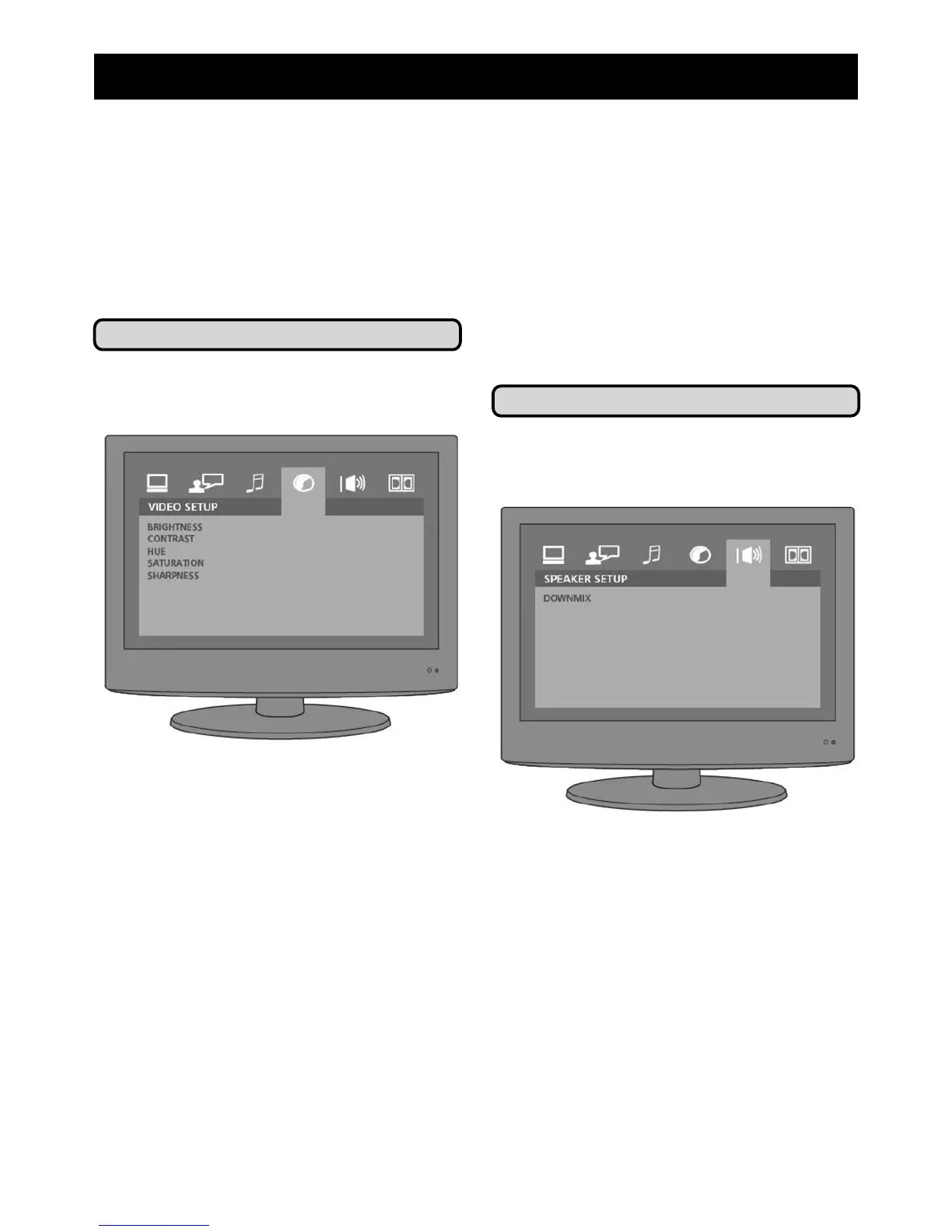
Video Setup
Using the video setup menu to alter the
picture settings used by your DVD player.
• Brightness: To alter the brightness,
select the menu item with the enter
key and use the arrow buttons to
select the setting you require between
0 and 12.
• Contrast: To alter the contrast, select
the menu item with the enter key and
use the arrow buttons to select the
setting you require between 0 and 12.
• Hue: To alter the hue, select the menu
item with the enter key and use the
arrow buttons to select the setting you
require between -6 and 6.
6) Adjust System Settings
• Saturation: To alter the colour
saturation, select the menu item
with the enter key and use the
arrow buttons to select the setting
you require between 0 and 12.
• Sharpness: To alter the sharpness
of your picture, select the menu
item with the enter key and use the
arrow buttons to select the setting
you require between 0 and 8.
Speaker Setup
Use speaker setup to alter how sound
is delivered to your attached speakers.
• Downmix: Choose between:
- LT/RT - Sets up two channels so that sound
is pushed to either the left or right speaker.
- STEREO - Creates a stereo sound
- VSS - creates a virtual surround
sound system
- 5.1CH - is for use with a 5-speaker
surround sound system.



 To Next Page