4
Insert Batteries
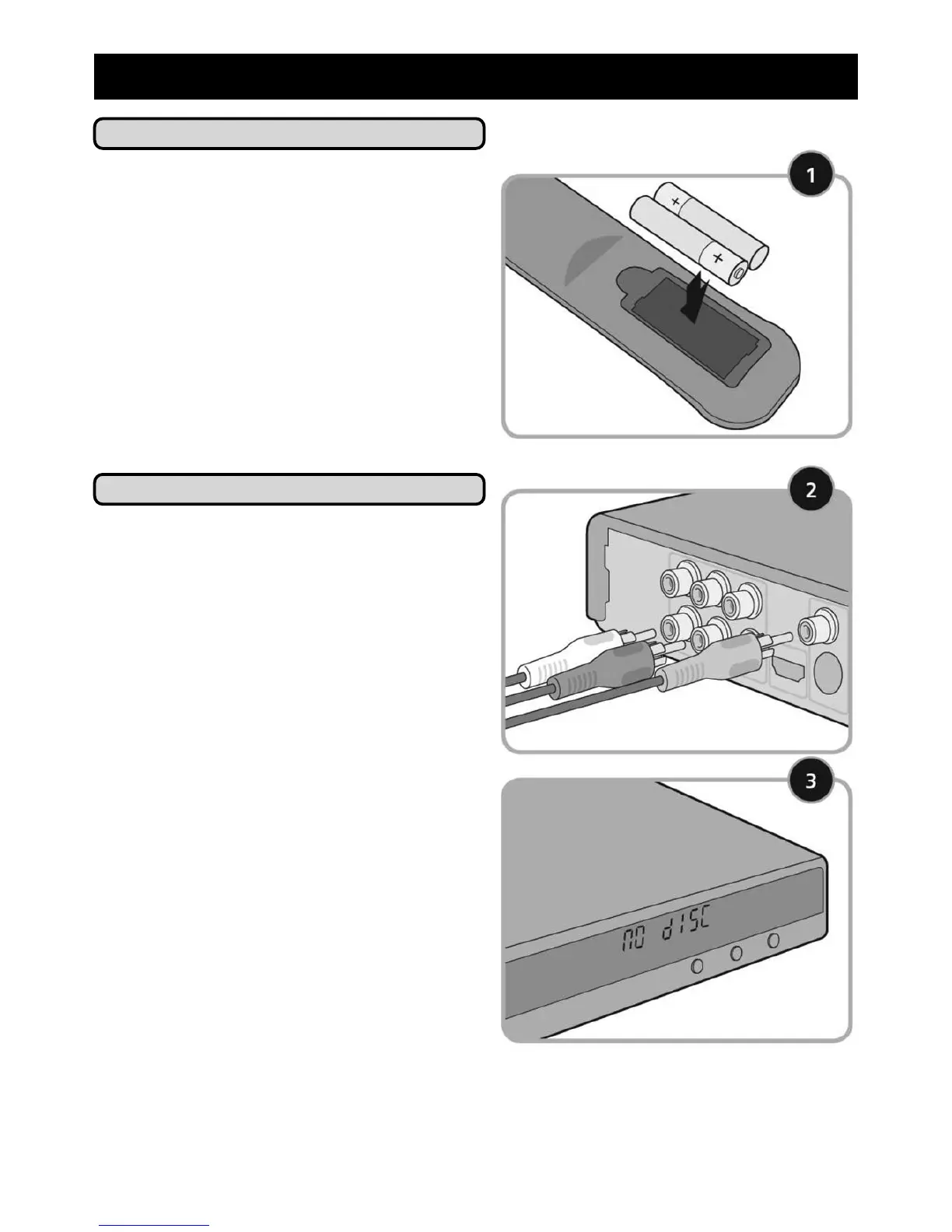
1. Insert the batteries supplied into
your remote control - ensure that the
positive (+) and negative (-) symbols
on the batteries match the symbols
inside the remote control unit.
Remove all packaging and place
your DVD player in a location where
there is good ventilation and do not
cover or place anything on top of
your DVD player.
Getting Up and Running
1. Connect your DVD to your television
using the video cable. If you are
using the component cable, match
the colours on the cable to the
colours of the sockets on your
television and DVD player.
2. Plug your DVD player into a suitable
wall socket.
3. Switch on your television and press
the POWER button on your DVD
player. When switched on, the
screen of the DVD player will read
no disc.
3) Set Up



 To Next Page