Battery Disposal
Always dispose of batteries at a
suitable recycling center.
5
3) Set Up
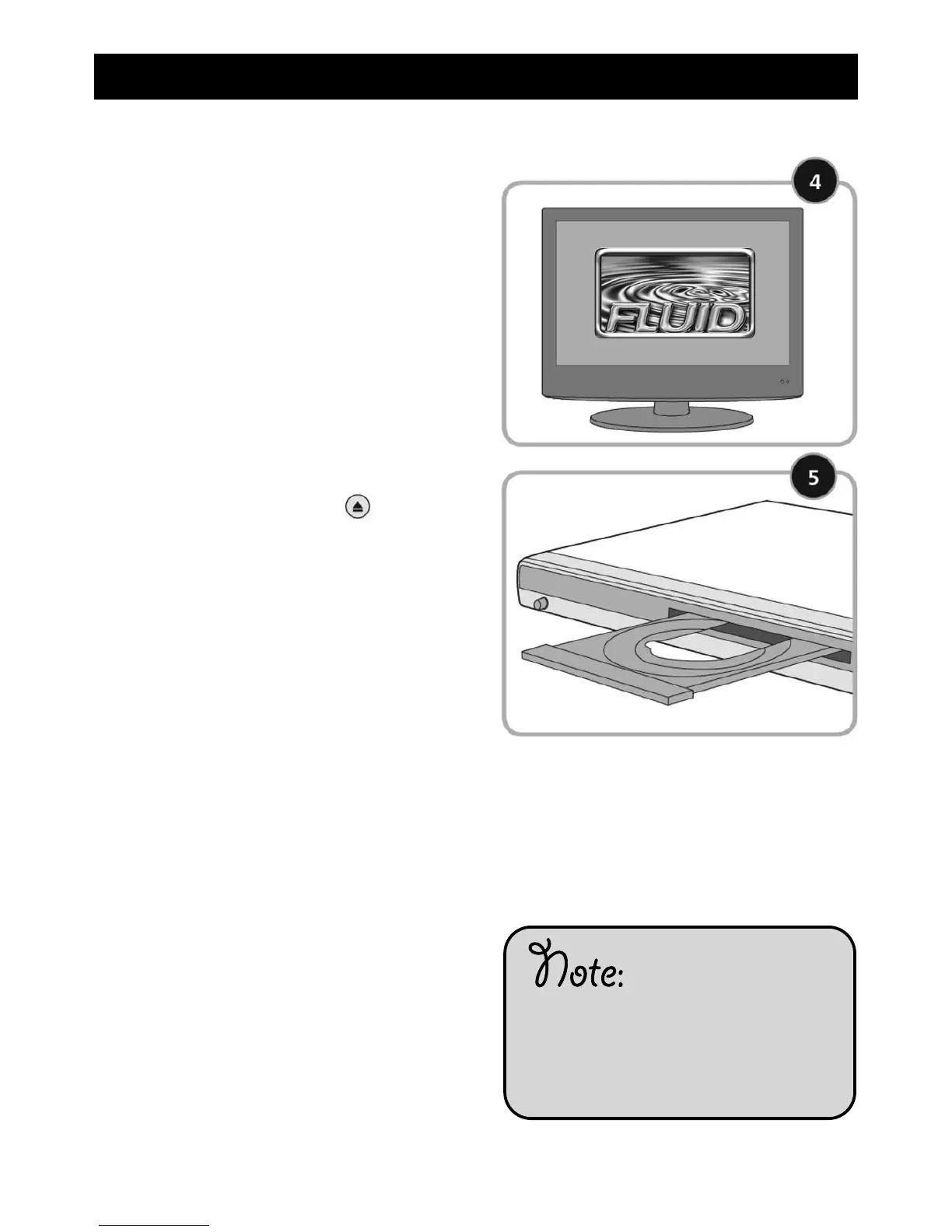
4. To find the correct input channel for
your DVD player, use your television
remote. Try pressing the AV button
if there is one, otherwise consult the
user guide for your television. With
the DVD player on, the screen will
look like this.
5. To watch your first DVD press the
OPEN/CLOSE button on the
remote control and put in a DVD.
Press the OPEN/CLOSE button
again - your DVD will automatically
start to play. You can also play CD’s
through your new DVD player.



 To Next Page