13
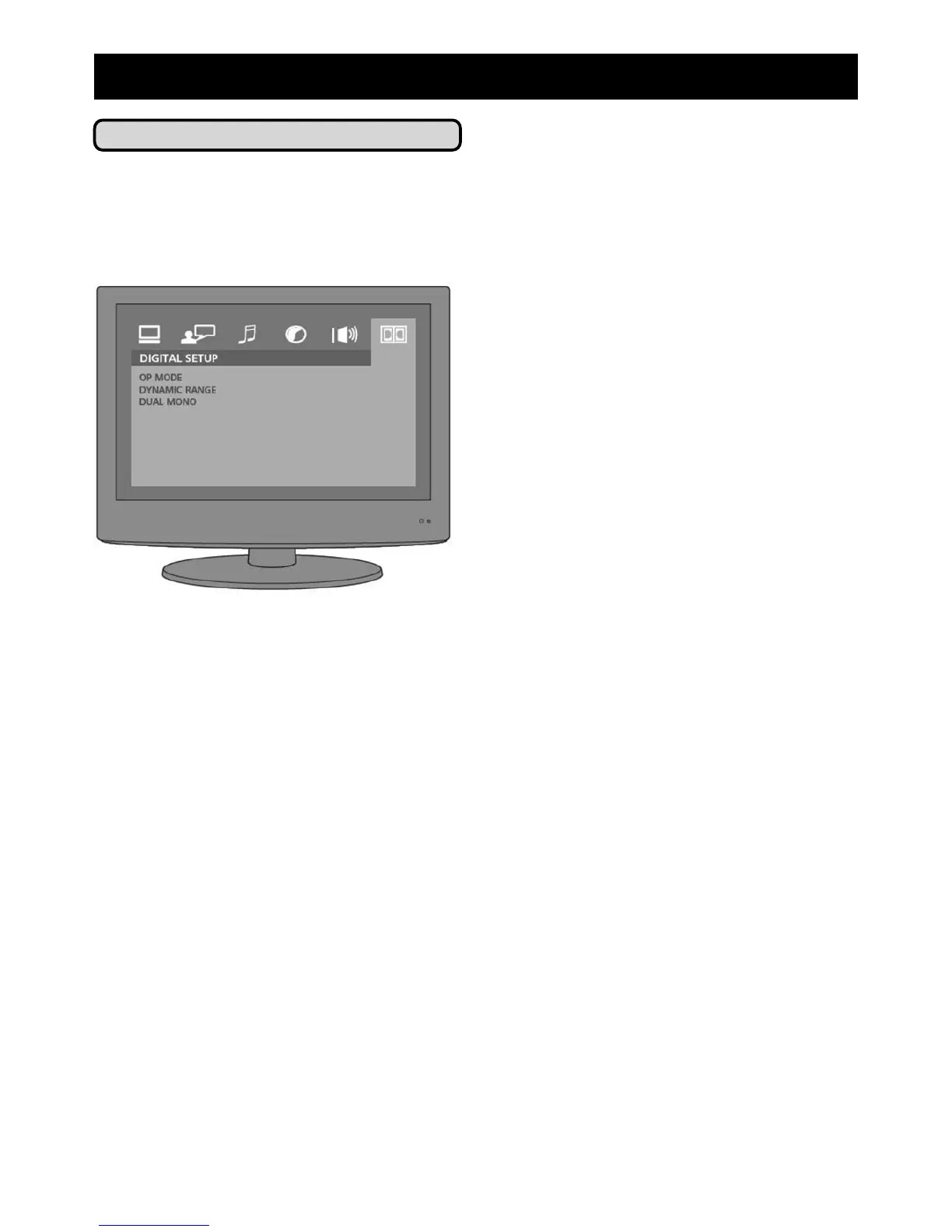
Digital Setup
If you are using a HDMI connection to a
HDMI enabled television then you can
select the digital sound output that your
DVD player will generate.
• OP mode: Choose between:
- LINE OUT - Standard digital audio setting.
- RF REMOD - Use for older RF digital outputs
• Dynamic Range: Choose the extent
of the dynamic range from your
television: OFF, 2/8, 4/8, 6/8 and
FULL.
• Dual Mono: This changes how the left
and right signals of the audio output
are used. The options are:
- STEREO - Generates a dummy stereo signal
by combining the left and right channels.
- MONO L - Only broadcasts the Left signal.
- MONO R - Only broadcasts the Right signal.
- MIXED MONO - With 2.0 channel DVDs the
signal is mixed into a single output.
6) Adjust System Settings



 To Next Page