6
Which video cables should you use?
The table below is designed to help you choose the best video option available for
your TV. Please note that unless you are using a HDMI you will still have to use the
red and white sound cables supplied, (audio L and R) to send sound to your TV.
CONNECTOR
TYPE
QUALITY SIGNAL
TYPE
DESCRIPTION
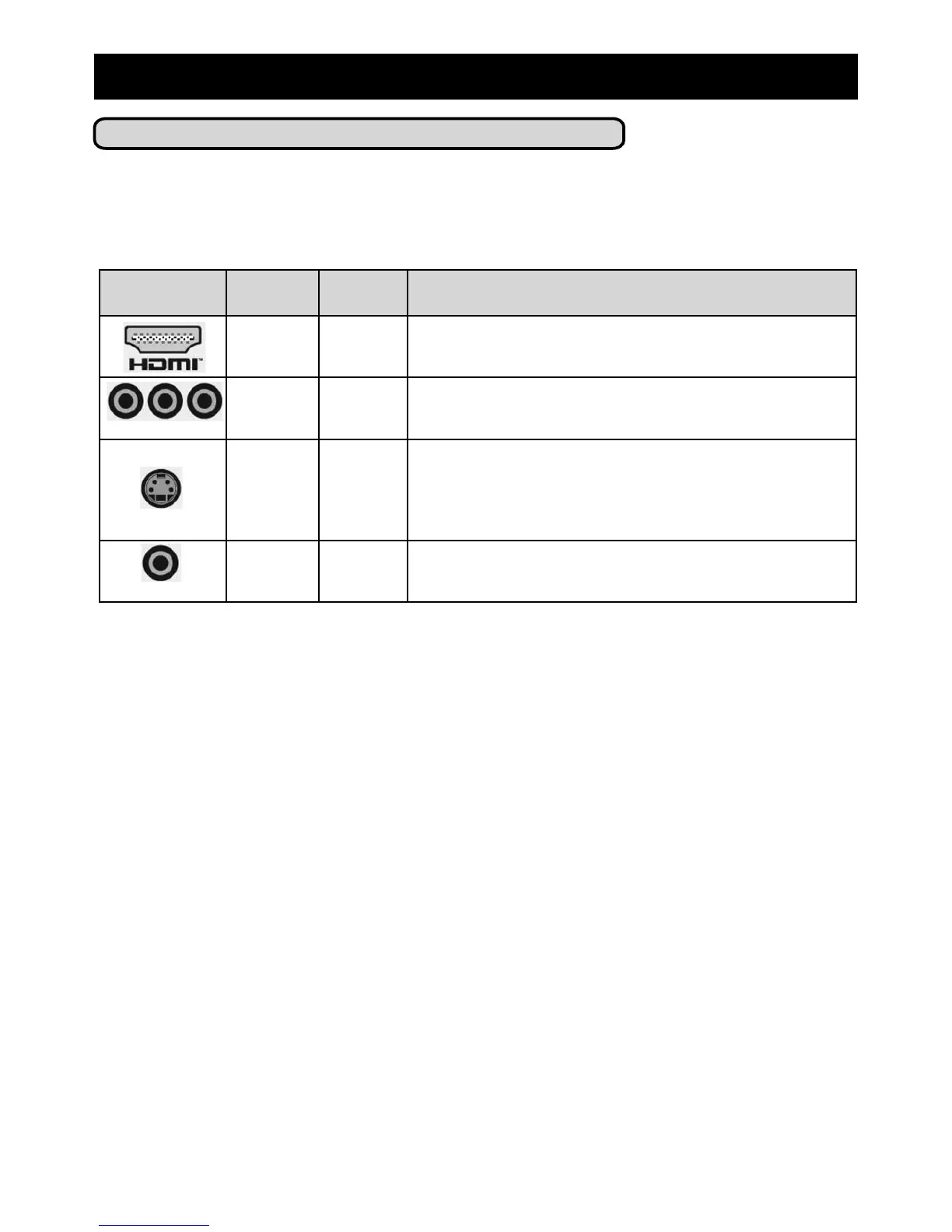
Best Digital HDMI - The new standard for high definition home theatre.
Delivers uncompressed high definition video and up to 7.1
channels of surround sound all in one cable
Better Analog Component Video - Splits video information into three
separate signals, two for colour, and one for brightness.
Good Analog S-Video - This connection is commonly found on many high
quality analog and digital AV components such as VCR’s,
televisions, and video game systems. This type of connection
breaks the video signal into two parts, one for colour, the
other for brightness.
Fair Analog Composite or RCA Video - This video cable (yellow) is
attached to the left and right sound cables (white and red).
3) Set Up
(yellow)
(green) (blue) (red)



 To Next Page