Infrared Thermometer
Operating the Thermometer
9
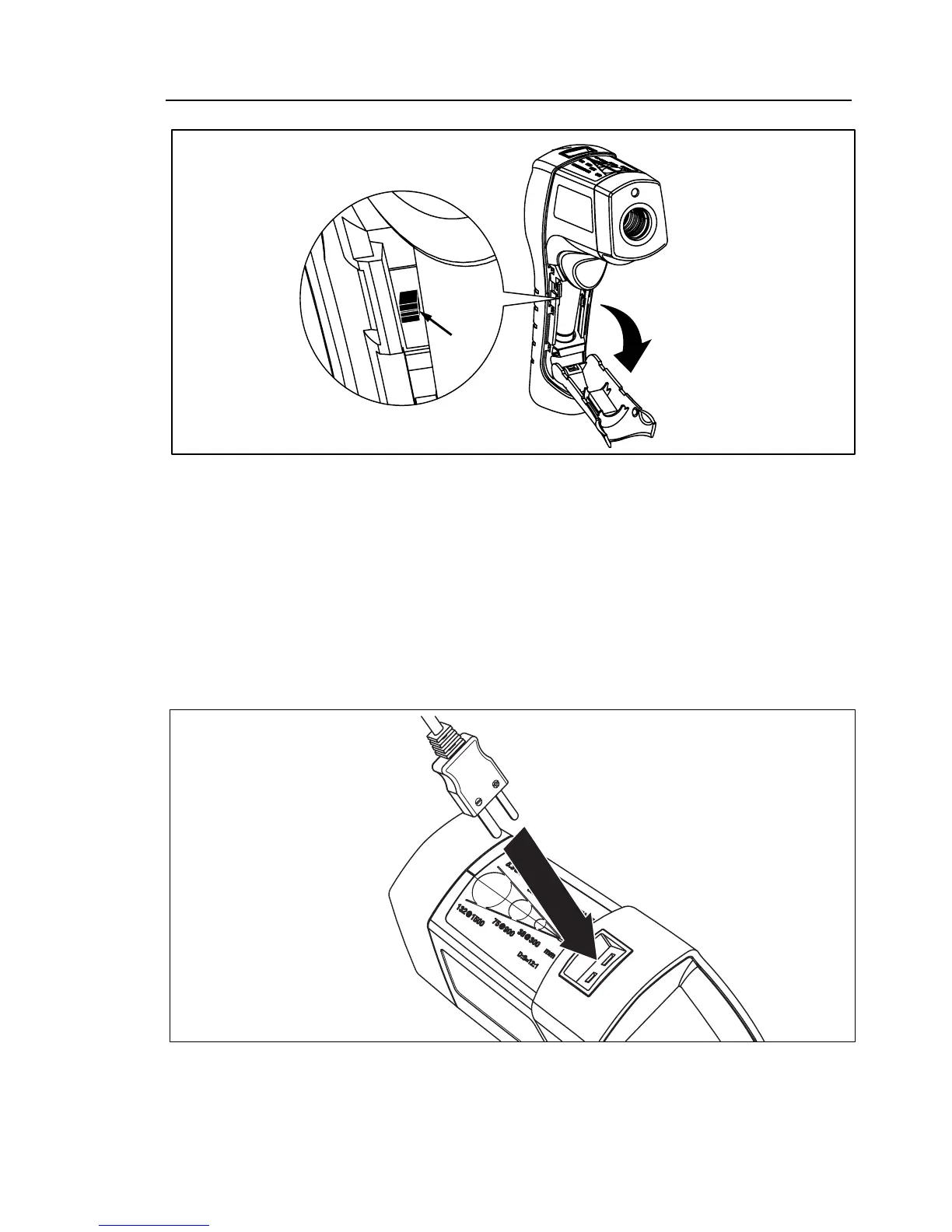
Switch
efh012f.eps
Figure 7. Switching Between °C and °F
Using the Contact Temperature Probe
XWWarning
To avoid electrical shock or personal injury, do not connect the optional external probe to live
electrical circuits.
Connect the probe to the input on the top of the Thermometer. The probe temperature and KTC appears in
the secondary display. The live infrared temperature continues to show in the primary display. Connect the
temperature probe as shown in Figure 8.
efh009f.eps
Figure 8. Connecting the Temperature Probe



 To Next Page