3 - 10 Users Manual
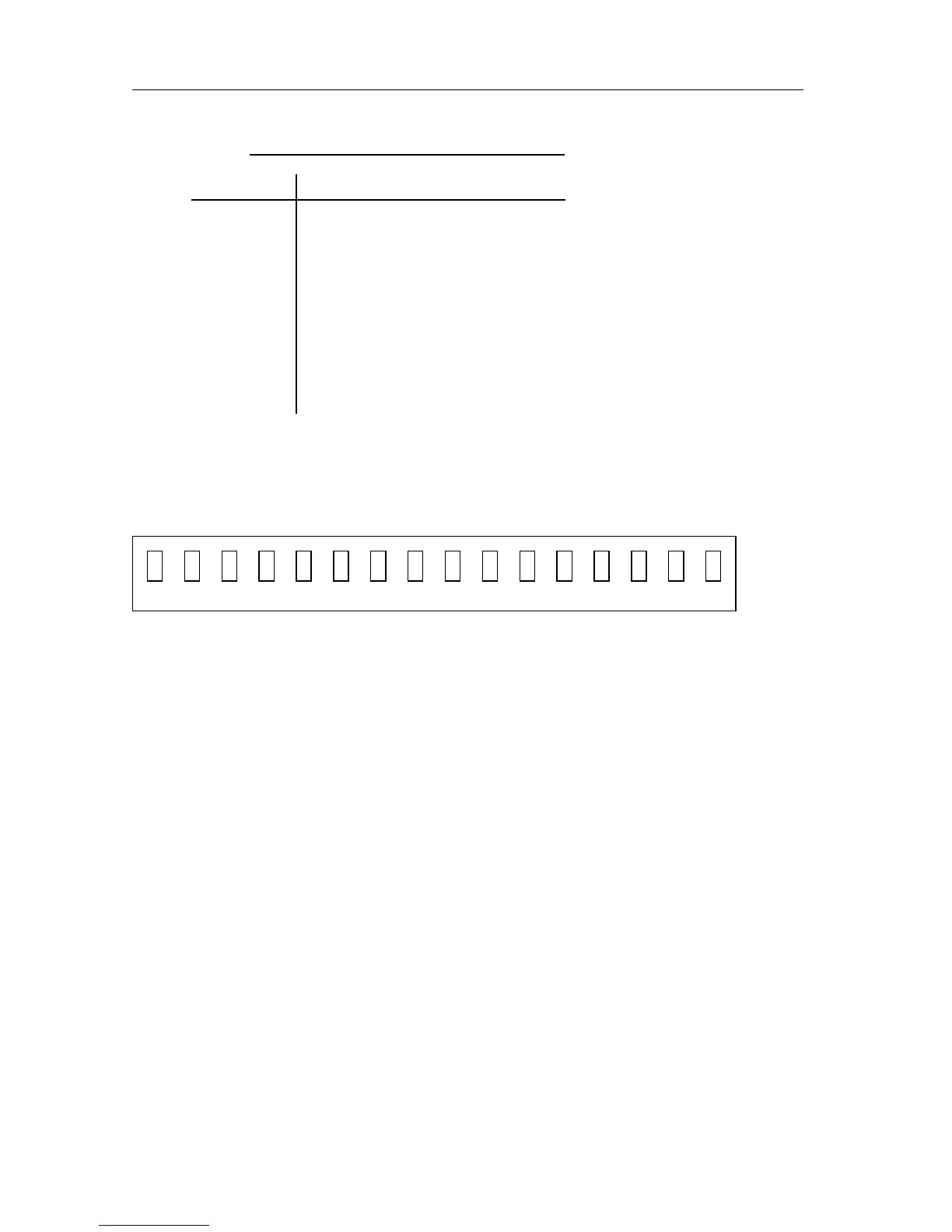
If the display is correct, character # will be displayed on the 16 character
positions. Also the text (ENABLED 1 2 3 4 5 6 7 REM SRQ) will
be displayed for 1 second.
Next, the text INITIALIZING will be displayed for 1 second. If the mode after
power on is OPERATE, the readback volta
e and current will be displayed if the
output is not DISABLED.
If not in OPERATE mode, the display shows STANDBY.
If a failure occurs durin
one of the tests, inform your FLUKE Sales and Service
Center so that repair or replacement of the instrument can be arran
ed.
These tests take a few seconds to run. The instrument will be ready for use when
the messa
e STANDBY or the readback volta
e and current appears on the
display.
n = 1, 2, or 3: CPU error of output channel 1, 2, or 3
DECIMAL ERROR DESCRIPTION
128 Not used.
64 ROM checksum error.
32 Confi
uration checksum error.
16 Calibration checksum error.
8 Checksum error of the default settin
s.
4 Processor timer failure.
2 Not used.
1 Output channel not respondin
.
t t t t t t
# ### ####
ENABLED
1 2 3 REM SRQ
tttttt
## ##
4567
## ##



 To Next Page