5 - 2 Users Manual
5.2 LOCAL OPERATION
Local operation of your power supply is done throu
h the front panel keys and
display. Operational and error information is shown on the display. The keys are
used for operator communication and have been placed into functional
roups.
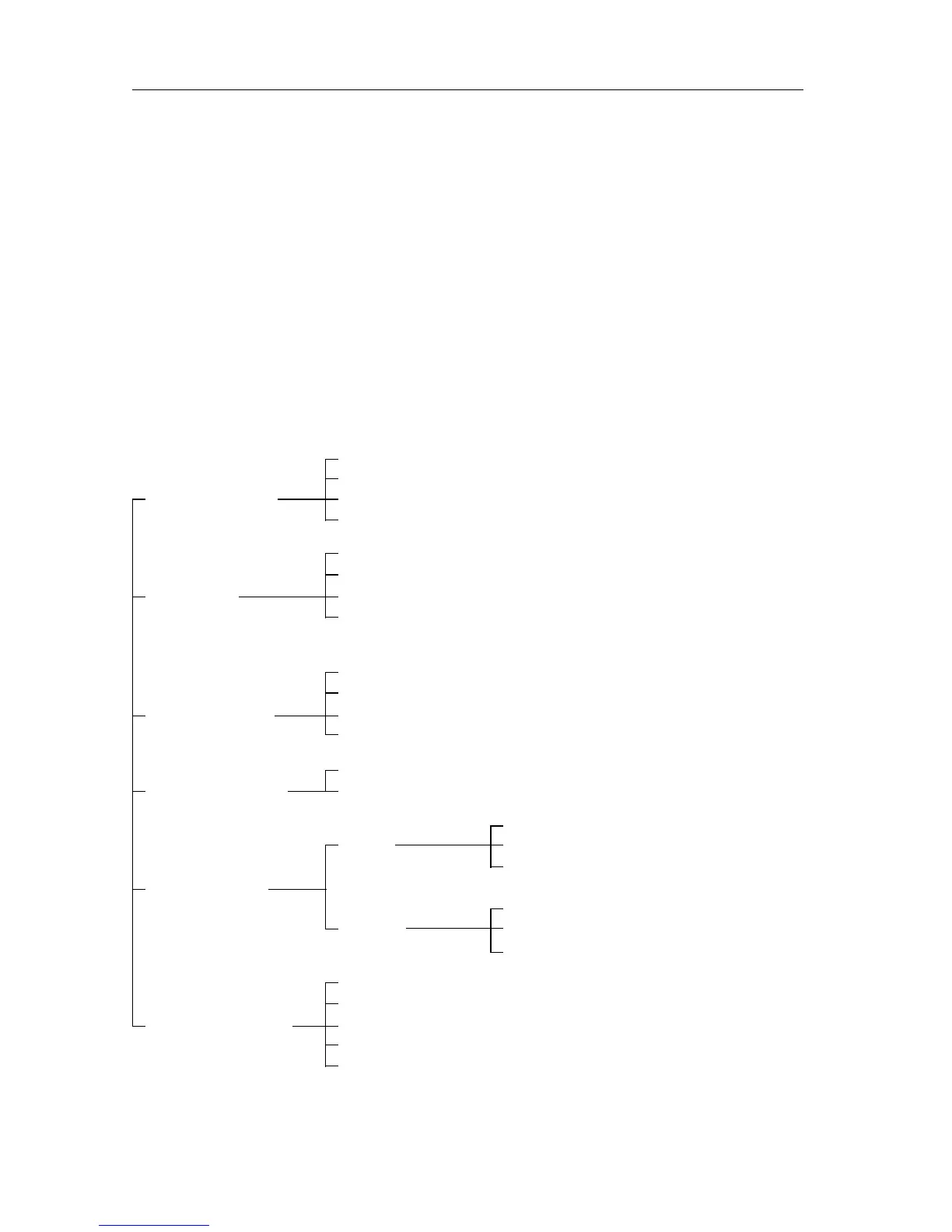
This makes the functional use of the power supply very easy:
• OUTPUT control : control over the output channels
• SET output : settin
a channel output
• FAULT handlin
per output channel
• output adjustment : adjustin
a channel output
• numeric control : input of fi
ures or special keys
• instrument control : control over the instrument
reset reset the power supply
OPR/STBY set OPERATE or STANDBY mode
OUTPUT control SELECT select output channel
*
ENABLE/DISABLE enable/disable output channel
*
V set output volta
e
I set output current
SET output OVP set overvolta
e protection trip level
OCP EN/OCP DIS enable/disable overcurrent
protection
DELAY verify/set repro
delay
RESET reset protection circuits
FAULT handlin
UNMASK verify/set fault mask
DISP display fault re
ister
- V + adjust output volta
e
output adjustment - I + adjust output current
0 (OFF)
fi
ures 1 (ON)
2 ... 9
numeric control
(backspace)
specials ENTER
•
(dot)
LCL
ain local control
AUX perform system functions
instrument control STORE store volta
s
W
Note:
*
= applies to multiple output models only.



 To Next Page