5 - 26 Users Manual
Example:
• REQUIREMENTS:
Step automatically throu
h the predefined list of volta
s, stored at the memory addresses 20 throu
h 40. When the end of
the list is reached, it must be started a
must be output for channel 1 at an interval time
of 5 seconds.
• SOLUTION:
Send → :LIST:SOUR TIM The next step is automatically initiated by
the internal timer.
Send → :LIST:TIM 5.0 Set the interval time at 5 seconds.
Send → :LIST:SEQ:START 20 Set the start address of the sequence list
at 20.
Send → :LIST:SEQ:STOP 40 Set the stop address of the sequence list
at 40.
Send → :INST:NSEL 1 Select output channel 1.
Send → :OUTP:STAT ON Enable output channel 1.
Send → :INST:STAT ON Make OPERATE mode active.
Send → :INIT:CONT ON Set the CONTINUOUS step function on.
Send → :INIT Initiate the automatic steppin
.
.
Check the display of the power supply to verify that the memory address
is automatically incremented every 5 seconds.
.
Send → :ABORT Exit the automatic steppin
.
Check that the last recalled volta
remain active.
External step functions
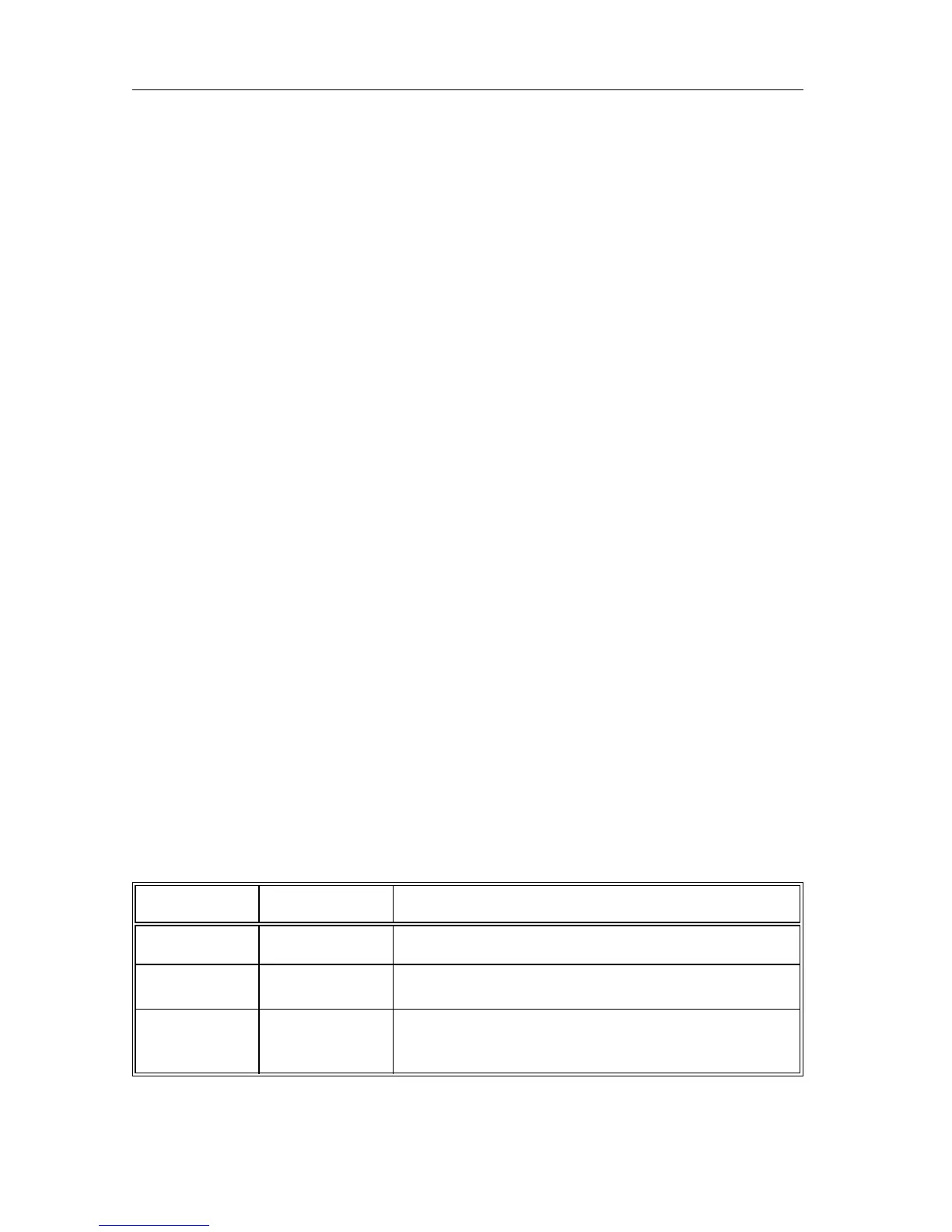
There are three SMB connectors at the rear: START, STEP, and READY.
The modes and functions of the connectors are shown in the followin
table.
NAME MODE FUNCTION
START input Enables steppin
via the STEP input.
STEP input Executes the next step.
READY output Indicates whether a step is finished (ready for
the next step).



 To Next Page