11
Buttons on remote controller
ECO button
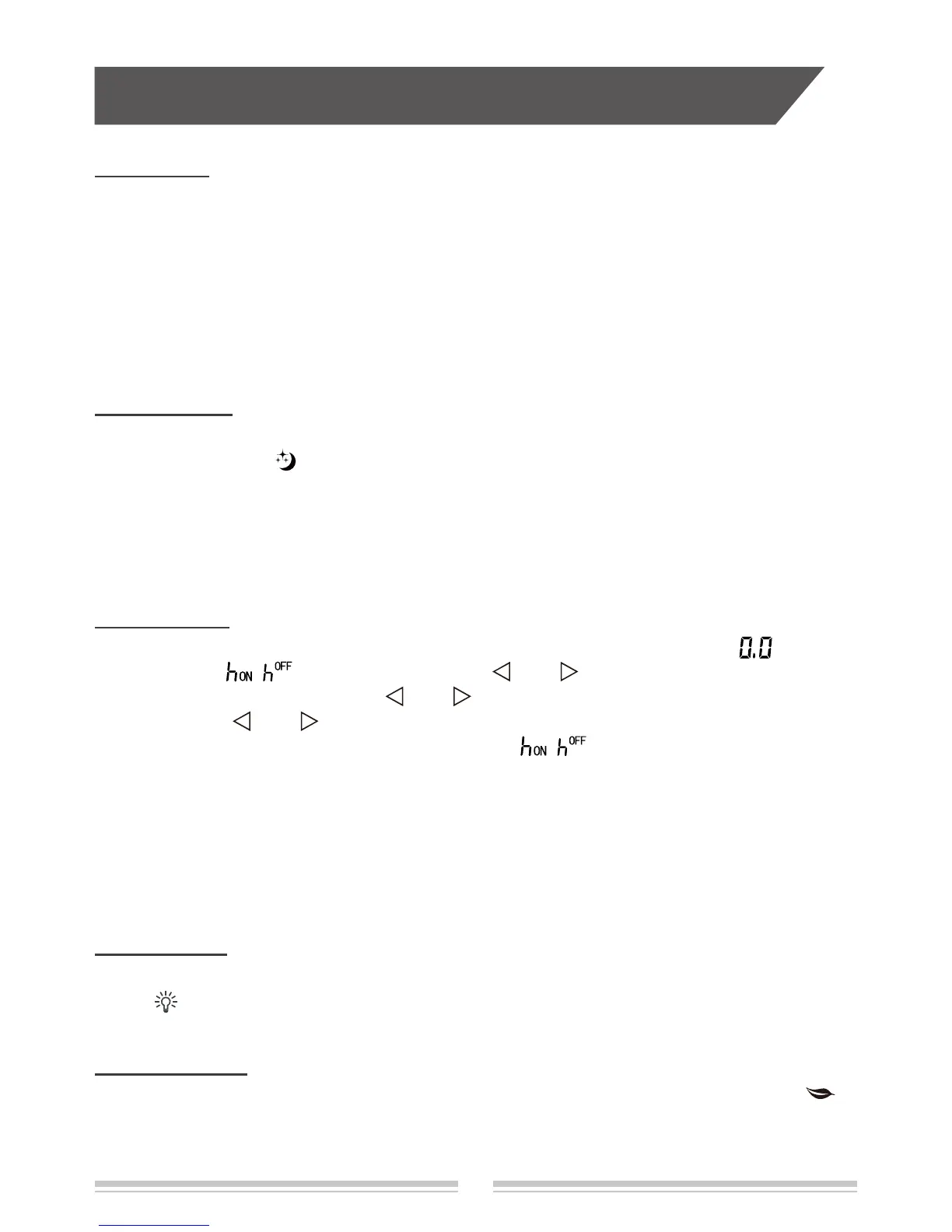
In cool mode, press this button can turn on or turn off the ECO function.
When
ECO
function
is on, "
ECO
" icon is displayed on remote controller.
Note:
● Air conditioner will operate at auto speed. Set temperature can’t be adjusted.
●
Under cool mode, sleep function can not work with ECO function together at the same time.
● Change mode will exit the ECO function.
● No turbo function under ECO condition.
SLEEP button
Press this button to turn on or turn off the Sleep function under cool, heat, dry mode.
When
Sleep function is on, "
" icon is displayed on remote controller.
Note:
● This function is off as defaulted after power on.
● It will be cleared after changing mode.
● It is no use under "Fan" mode and "Auto" mode.
TIMER button
This button can set the time for timer on(timer off). After pressing this button, " " icon
displayed and "
( ) " icon blinking. Press " " or " " button within 5s to set timer on
(timer off) time. Each pressing of "
" or " " button, the time will increase or decrease
0.5 hour. Hold "
" or " " button, the time will change quickly until reaching your required
time. Press "TIMER" button to conrm it. The icon "
( ) " will stop blinking.
Cancel Timer on (off)
In the condition of timer on (off) is started up, press "TIMER" button to cancel it.
Note:
● Time set range 0.5~24hours, time scale is 0.5 hours.
● Timing of the initital set hour is 0.0 hour.
LIGHT button
Press this button can turn on or turn off
the light for indoor unit’s display
.
When
light
function
is on, "
" icon is displayed on remote controller.
HEALTH button
Press this button to turn on or turn off the health function.
When health function is on, " "
icon is displayed on remote controller.
Note:
This function is not available for some models.


 To Next Page