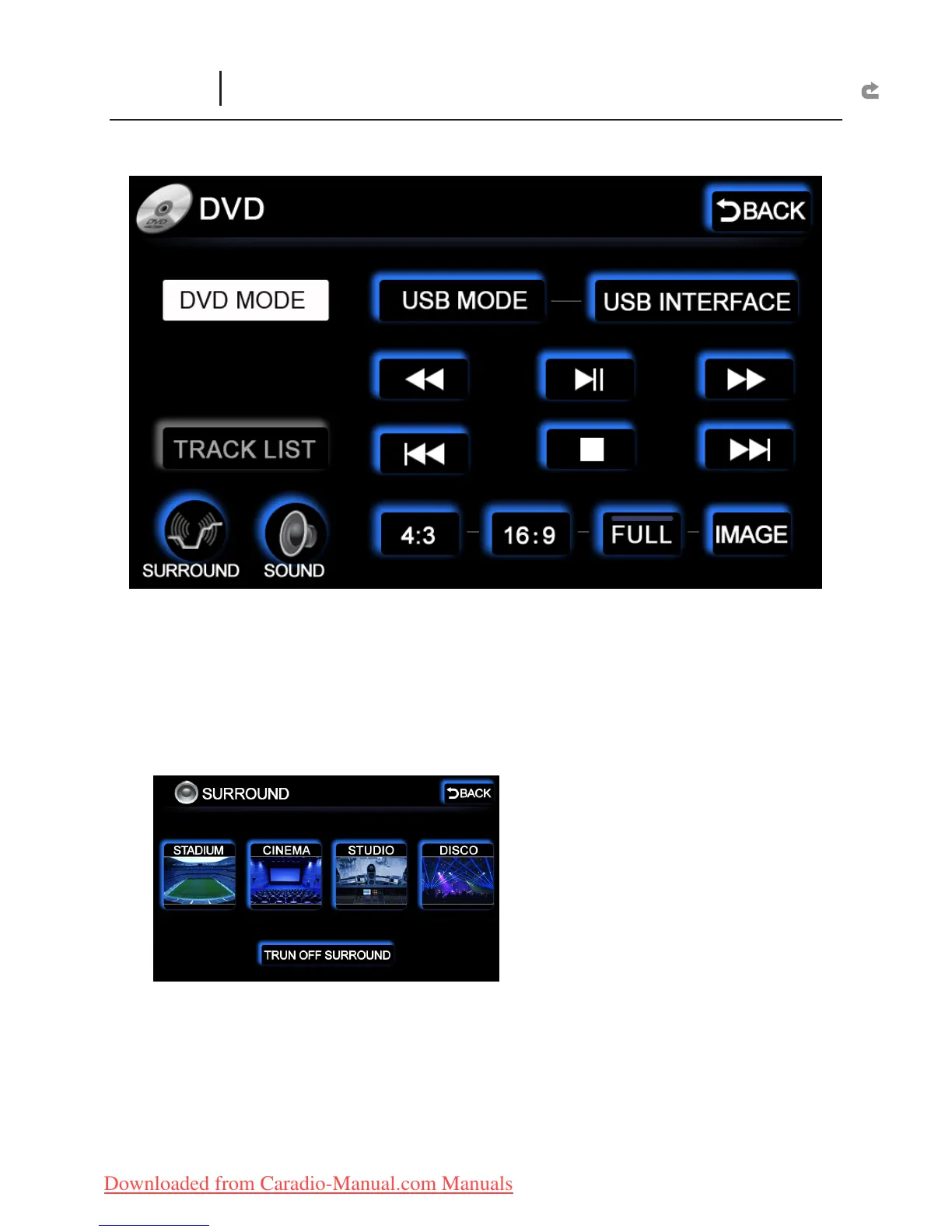
DVD MODE :
Turn on the DVD
USB MODE :
Turn on the USB Read/Retrieve Function.
USB INTERFACE :
Read/Retrieve the contents of the USB ash card.
TRACK LIST :
CD and MP3 songs.
SURROUND :
Scene simulation selections such as “STADIUM, CINEMA, STUDIO, DISCO” etc.
X
TURN OFF SURROUND : Switch off to return to the original sound mode.
X
DVD
(Slot Loading DVD Function Interface)



 To Next Page