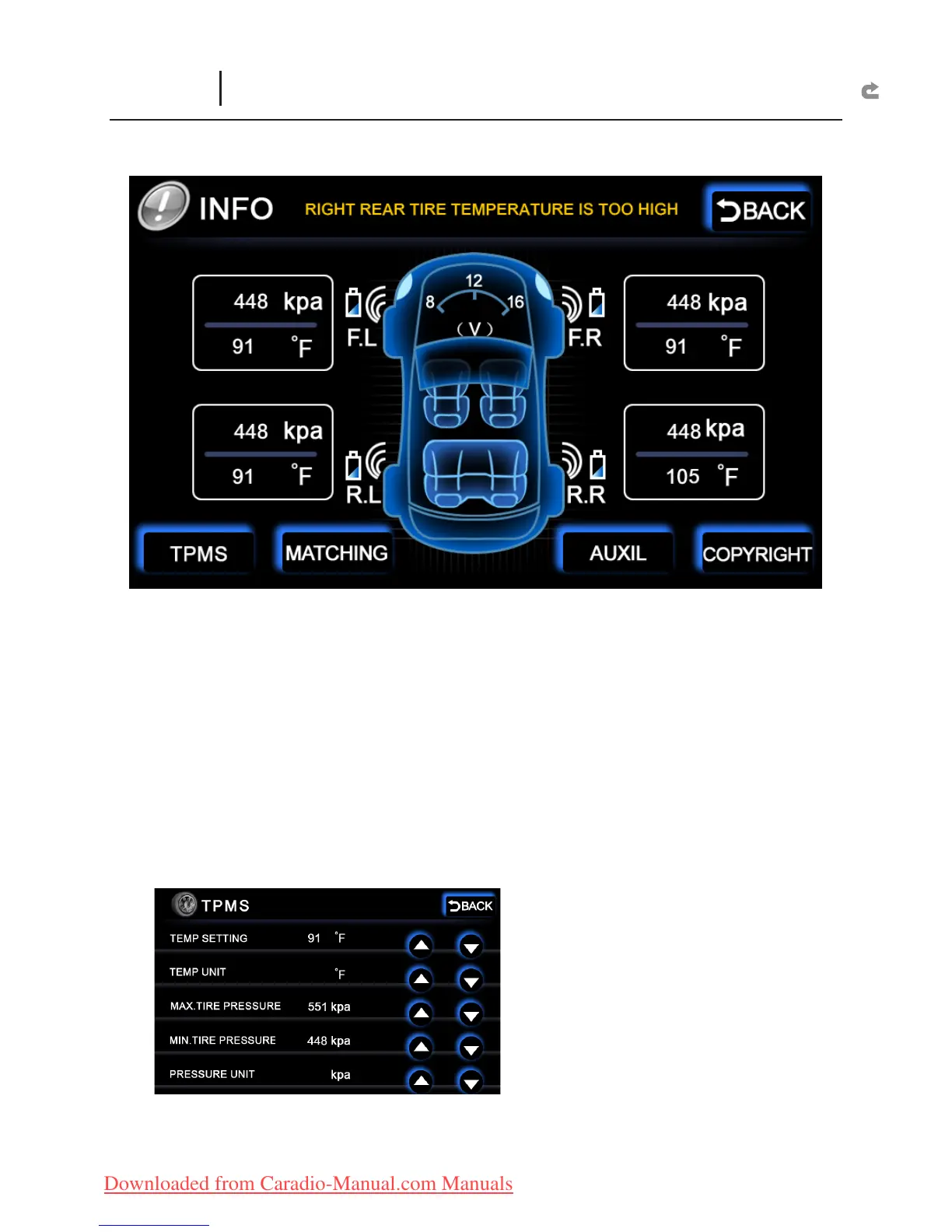
The meter on the middle displays the car’s current voltage value.
Each wheel has its own pressure and temperature sensor value. The tire pressure
value is shown on top, while the tire temperature is shown at the bottom.
TPMS USAGE PROCEDURES:
1. Install the TPMS physical parts to the mainframe and startup.
X
2. Select “MATCHING”.
X
3. Install the TPMS sensor with battery to the tire. The tire sensor value will be
X
displayed on the screen.
4. Select “MATCHING” after installation for all four wheels. This ends the
X
installation.
TPMS :
TEMP SETTING : Set the tire temperature warning value. When the temperature
X
INFO
(Status Message and TPMS)



 To Next Page