3
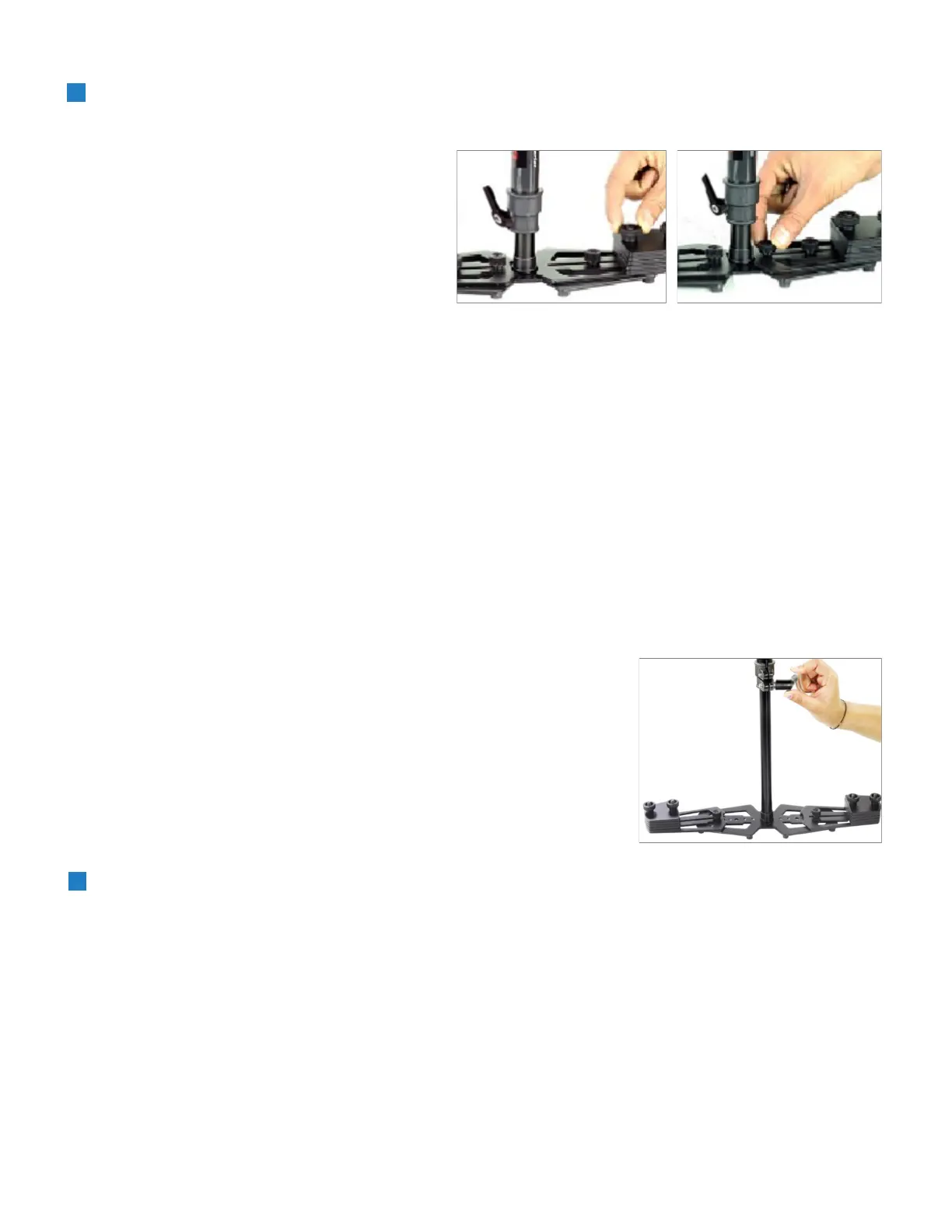
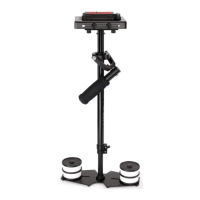
Connuing the assembly and balance
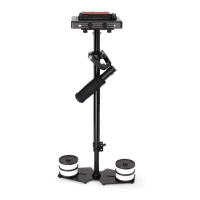
requirements to make your Flycam Redking
Video Stabilizer fully funconal you will note
that the base plaorm has a provision to
mount the balance weights via 2x BH bolts
secured with knobs on both sides of the
post.
Adding Weights & Posioning for Proper Balance
The purpose of the counter weight system is to match the low end of the stabilizer to the weight of the
camera and accessories at the high/top end with the gimbaled handle as the pivot point in between.
The heavier the camera and accessories, the more weights are required to achieve proper balance.
Generally as you add weight to one side of the central post, an equal amount has to be added to the other
side to maintain horizontal balance.
However if you are using an oset conguraon such as a ip out viewnder or o center accessories,
extra weights might be needed on the opposite side of the post to counter act and maintain proper
balance.
Total weight xed to the base plaorm should be equal to the weight of your camera plus the head and
any accessories.
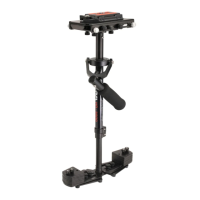
Vercal Adjustment of telescopic central
post is made by loosening the control
located at the base, raising or lowering the
post to desired locaon and then
reghtening the vercal control. Do not
over-ghten this control.
Balancing your Flycam Stabilizer
Before beginning the balancing process check the following:
Camera is securely aached to Head Plate
Lens cap is removed and secured
Telescoping Clamp is ghtened
Weight discs are added successfully
All screws are ghtened securely
Baery, all accessories and cables are secured


 To Next Page