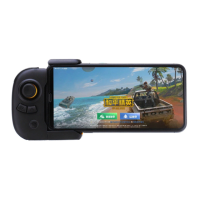
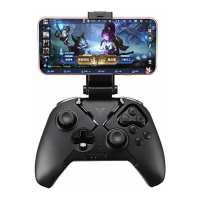
STEP 3: Start Game
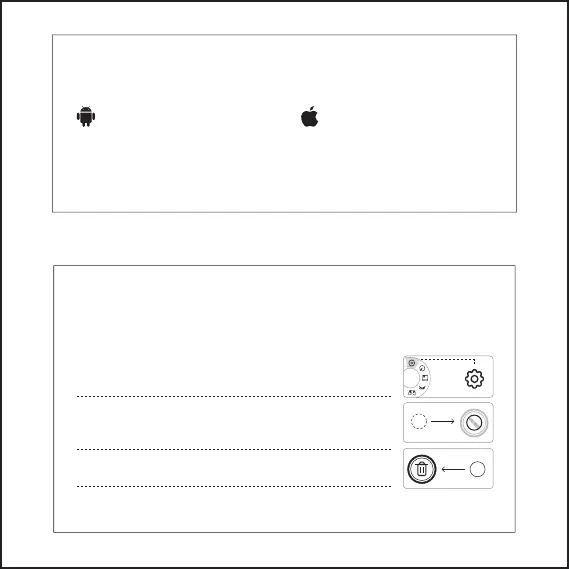
Android device can download games from the
Flydigi Game Center and also add games out of
the game Center, go to “Setting Management”
- “Add Game” to add.
iOS device clicks “setting management”-“add
game” to support the games downloaded
from the App store.
Android: IOS:
Please start the game in the Fydigi Game Center for better gaming experience
The Flymapping technology offered by Flydigi can be customized to adjust the button
configuration to store on cloud.
Flydigi continuously update the flymapping buttons to adapt to various gaming operations. Each
button has attributes of click, swipe, motion sensing, left- and right- joystick linkage and Macro.
Flymapping Technology
Click the configuration panel ‒ “adjust configuration” to customize the
button configuration after starting the game from the game center.
Drag the button on screen to the gaming skill position, then click the
button to configure the button properties..
Drag the button to the top-left trash to delete
Click “Apply” ‒ “Save” to use after finishing the configuration
B
B
RT


 To Next Page