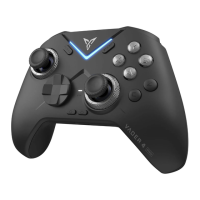
Need help?
Do you have a question about the FlyDigi WASP 2 and is the answer not in the manual?
Scan QR codes to download and install the Flydigi Game Center app for device control.
Connect the gamepad to your device using Bluetooth through the Flydigi Game Center application.
Enable USB debugging for button mapping functionality on Android devices via the Game Center.
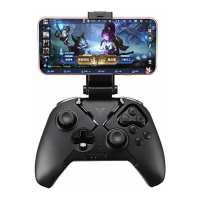
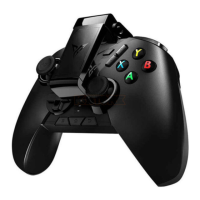
Securely attach your mobile device to the gamepad by extending and locking the handle.
Launch games through Flydigi Game Center to enhance the gaming experience.
Instructions on how to power the gamepad on and off using its dedicated power switch.
Guide for pairing the gamepad with a device via Bluetooth for the first time.
Status indication when the gamepad is properly paired and connected to a device.
Describes the automatic reconnection process for paired devices when powered on.
Explains the LED indicator behavior for low power status.
Details the compatibility requirements for iOS and Android devices.
 General
| Compatibility | Android, iOS |
|---|---|
| Charging Time | 2-3 hours |
| Connection | Bluetooth 4.0 |
| Vibration | No |
| Connectivity | Bluetooth |
| Features | Turbo function |
| Battery | Built-in Lithium Battery |
| Buttons | ABXY |
| Analog Sticks | 2 |
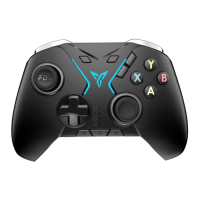
| Button Layout | ABXY buttons, D-pad, shoulder buttons, triggers |

 To Next Page