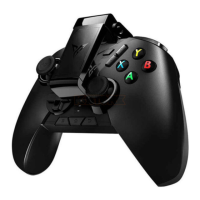
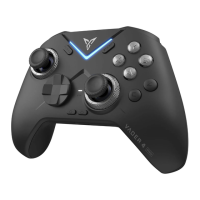
Accessories Installation Instructions
M
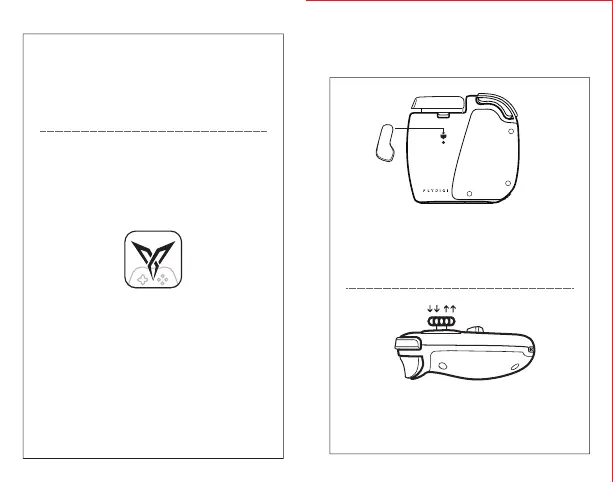
Joystick
Follow the steps in the diagram to insert the buckle
of the M button into the holder at the back of the
gamepad and the M button will be automatically
placed in the correct position.
Follow the steps in the diagram to apply a force
perpendicular to the gamepad to remove or install
the joystick.
This part is only applicable to Elite version.
STEP 5: Start game
Please tap “Gamepad” > “Add Game” to add a
game downloaded from App Store or Google Play,
then open the game to start.
For all users across Android and IOS:
For a better gaming experience, please launch
the game inFlydigi Game Center.


 To Next Page