Need help?
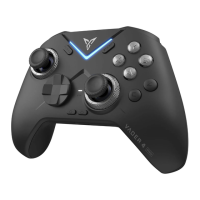
Do you have a question about the FlyDigi FeiZhi APEX and is the answer not in the manual?
Guide to powering the controller on and off using the switch.
Instructions for pairing the controller with a device using Bluetooth.
How to customize button mappings and save layouts to the cloud.
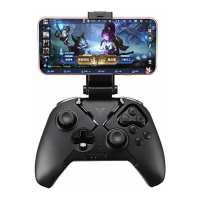
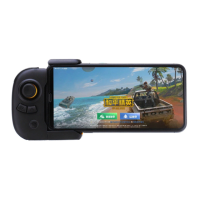
Explanation of Flashplay mode's built-in mapping and phone compatibility.
Instructions for connecting the controller to set-top boxes or PCs via USB receiver.
How to activate and use the Air Mouse feature for cursor control.
Steps to connect and use the controller for PC games in Xinput mode.
Solutions for common connection problems in Xinput mode.
 General
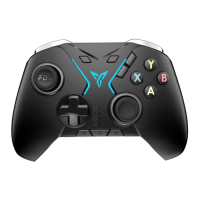
| Type | Wireless Game Controller |
|---|---|
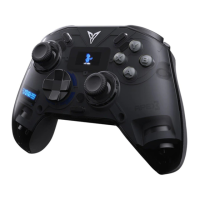
| Model | FeiZhi APEX |
| Category | Video Game Controller |
| Vibration | Yes |
| Features | Motion Sensing, Customizable Buttons, Turbo Function |
| Connectivity | Bluetooth, USB |
| Compatibility | Android |
| Dimensions | 65mm |
| Buttons | ABXY, Bumpers, Triggers, D-Pad, Select, Start, Home, C, Z |

 To Next Page