35
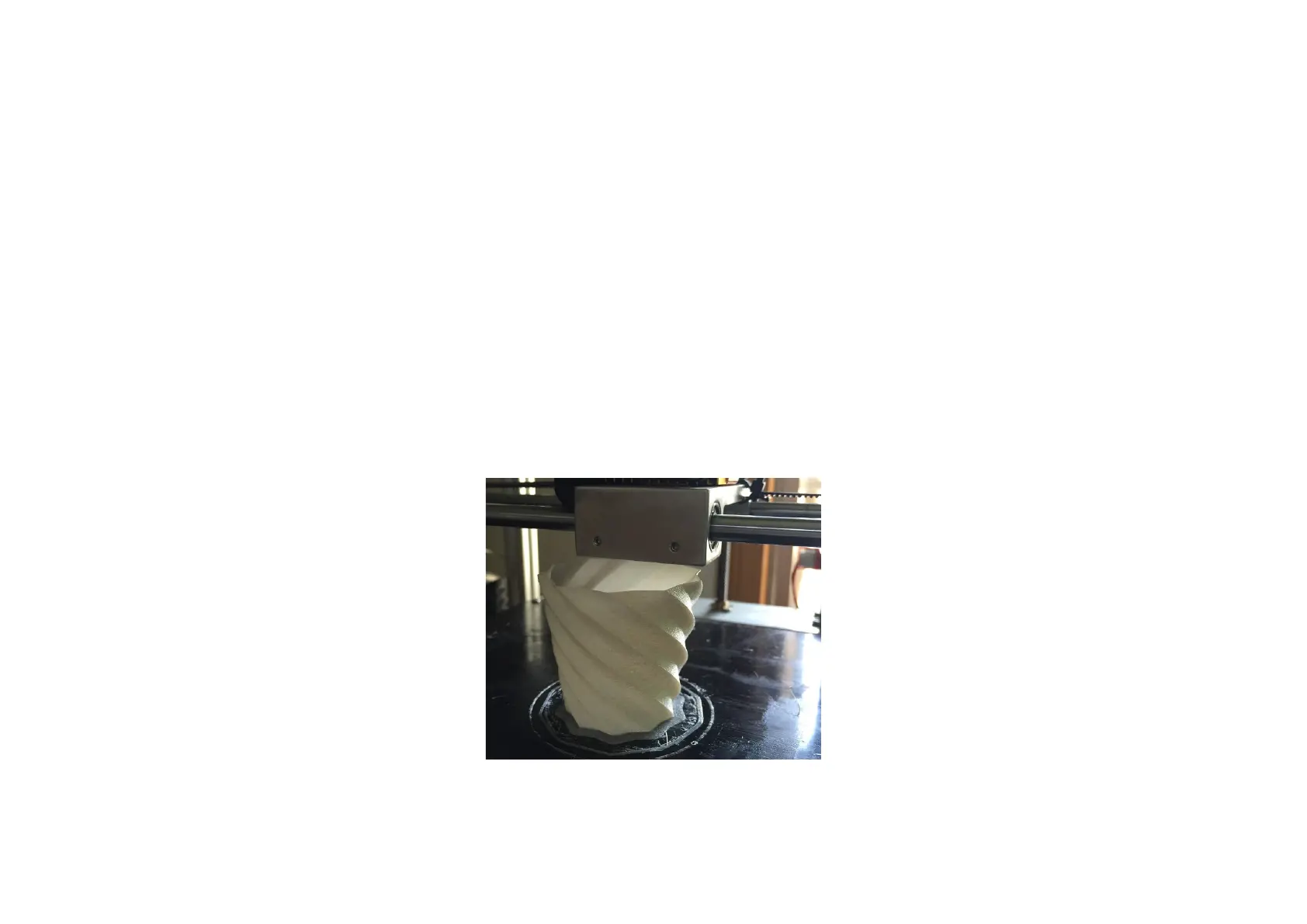
2.Skills of printing vase
Printing different models need different skills.If you want to print a very fine looking model,you need to continue to
explore yourself for a period of time.Next,introduce the skills of printing vase for you.
Step 1.Open the model folder “vase1” in “FlyingBear 3D Printer”.
Step 2. Copy the model "vase 1" into the SD card and then start printing.
Step 3.After the start of the print
,
observe the quality of the model, you can change the "speed" and "flow" to get better
print quality.
During the printing


 To Next Page