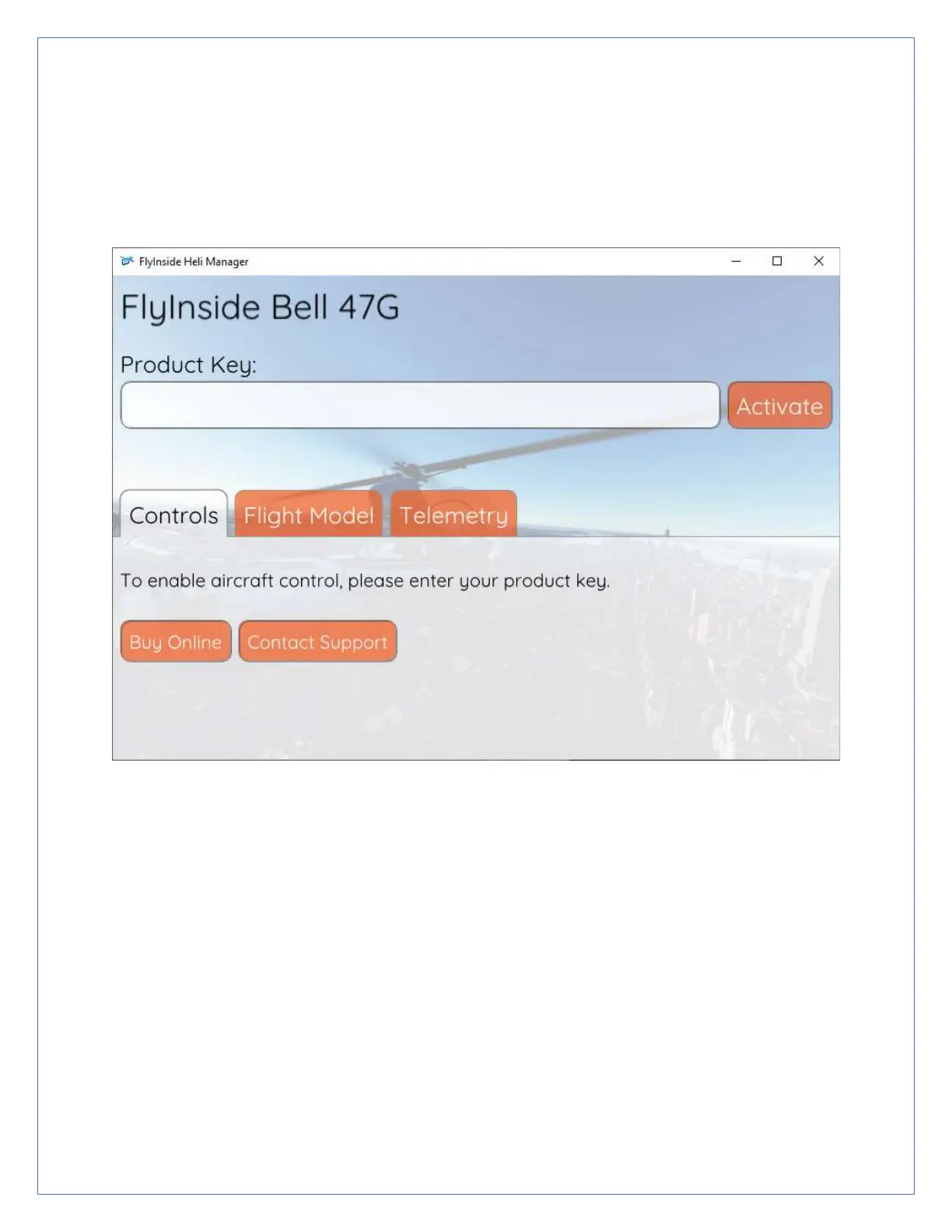
8. FlyInside Heli Manager should appear on your desktop. If not, you
can click on the system tray icon (if it is running), or run “FlyInside Heli
Manager” from your Start Menu.
9. Enter your product key (you may use Ctrl+V to paste it), and press
“Activate.”
10. The rotors should start spinning up, you’re ready to fly!


 To Next Page