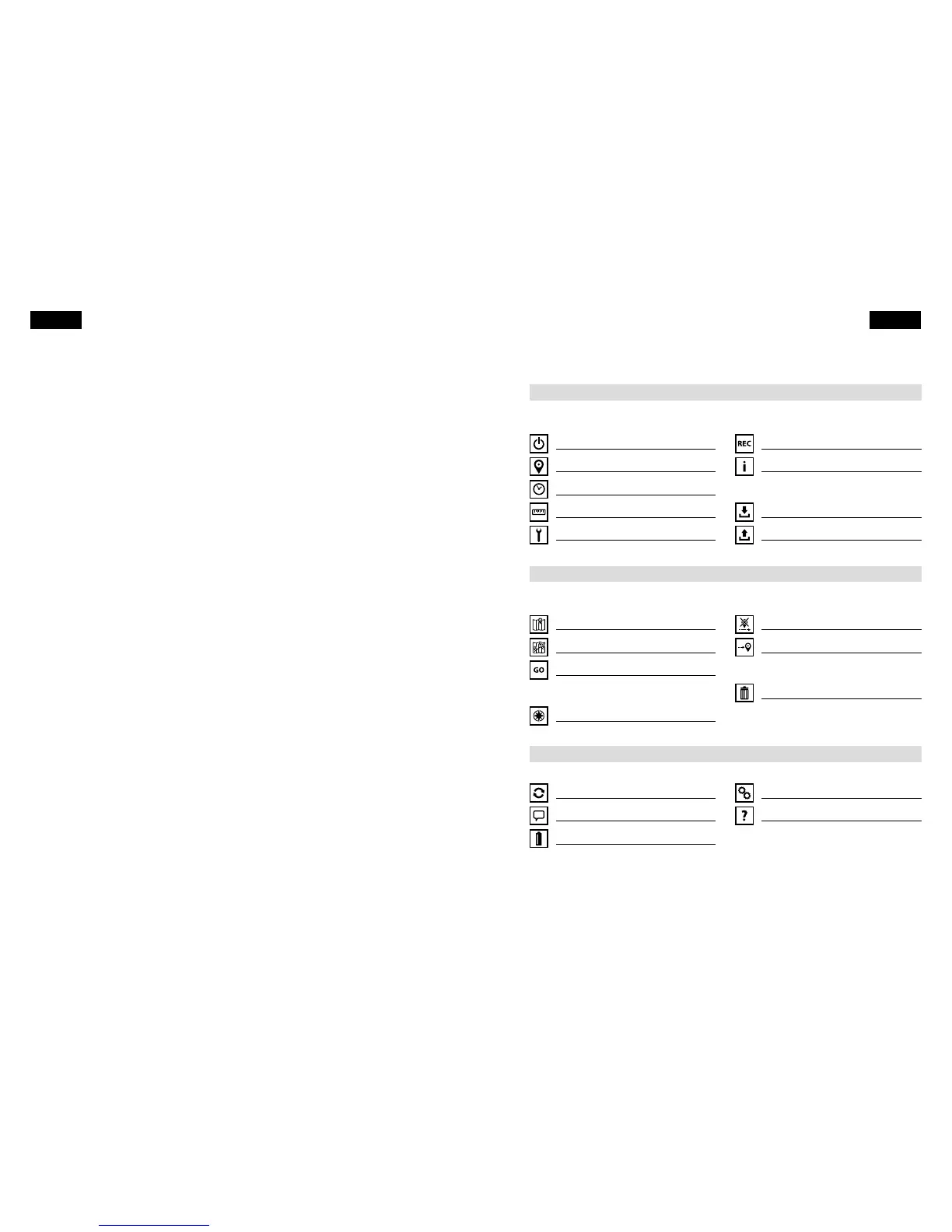
Table of Contents
1. First ight
2. Navigation
3. General information
Congratulations on your purchase of this quality instrument from Flytec. We know
you want to y with it right away, and you should! Just a few short minutes with this
Quick Guide and you'll see how easy it is to get the most out of your new vario.
You'll be ying and navigating in no time. Have fun!
1.1 Get ready for the rst ight
Switching on 4
GPS acquisition 4
Set time zone 5
Choose units 5
Mounting 6
1.2 Now you are ready to y
Recording 8
Information display 8
1.3 After your ight
Saving tracks 10
Uploading tracks 10
2.1 Get ready to navigate
Entering waypoints 11
Creating a route 12
Activating the route 12
2.2 Now you are ready to navigate
Flying the route 13
Skipping a waypoint 15
Goto function 15
2.3 After navigating
Erasing waypoints and route 16
Firmware update 17
Changing language 17
Batteries 17
Technical notes 18
Learning more 18
Table of Contents 32
English English



 To Next Page