1.3 After your ight
Saving tracks
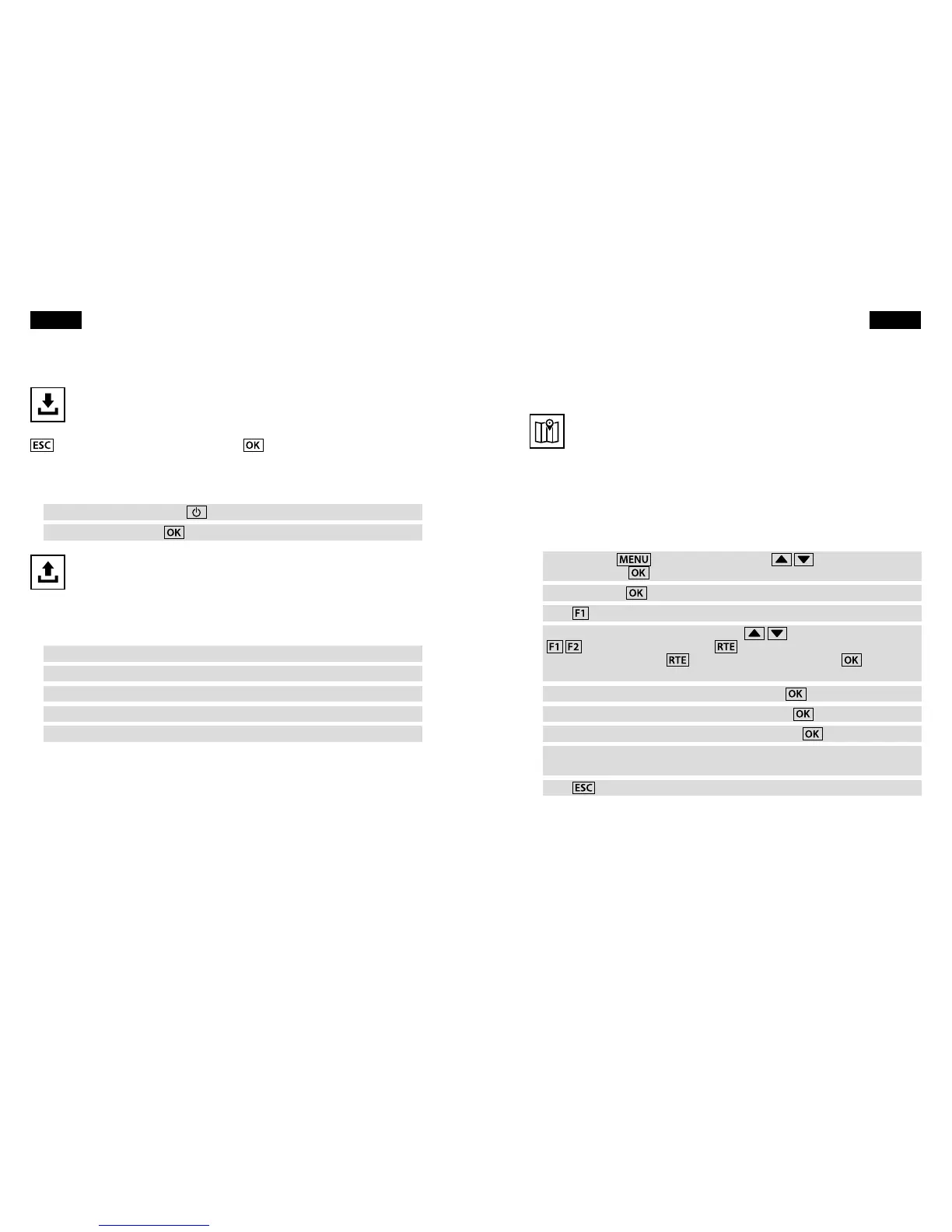
Your Element will automatically detect your landing and then save the data
from your ight. It will switch itself o about 5 minutes after you land.
Alternatively, you can switch o your Element immediately after landing by pressing
. Keep it switched on by instead pressing
.
You can also switch o your Element at any time. Note that this will stop recording if
you are in ight.
Press and hold the On/O key
.
Conrm O? by pressing
.
Uploading tracks
Your Element saves ight data as IGC track les, so uploading is fast and
easy. All online contest sites (such as OLC and XContest) use the IGC format.
Your Element works as a USB mass storage device, so when you connect it to your
computer it will appear as an external hard drive. Your track les are stored in a folder
named tracks.
Make sure your Element is switched o.
Connect the device to your computer with the included USB cable.
Open the icon labelled Element on your computer.
Open the folder named tracks.
Drag-and-drop the IGC track le to your desktop.
10 First flight
2. Navigation
2.1 Get ready to navigate
Entering waypoints
For an example ight, imagine you want to y over these locations:
Take-o: Niederhorn 1926 m N 46°42.686' E 7°46.681'
Midpoint: HouseThermal 1460 m N 46°42.983' E 7°52.767'
Landing: Interlaken 560 m N 46°41.170' E 7°51.517'
Here is how to store these locations in your Element as waypoints.
Press and hold
, then use the arrow keys
to select
Waypoints. Press
.
Select Edit. Press
.
Press
to create a new waypoint.
Spell out Niederhorn using the arrow keys
to select the letters and
to move back and forth. Use to toggle capital letters and special
characters. Holding down
will also delete a character. Press
to move
on to the next page.
Select N and enter 46°42.686' for the latitude. Press
.
Select E and enter 07°46.681' for the longitude. Press
.
Enter 1926 for the Niederhorn waypoint altitude. Press
.
The waypoint named Niederhorn is now saved. Repeat this procedure to enter
the waypoints for HouseThermal and Interlaken.
Press
to return to the Main Setup Menu.
Navigation 11
English English



 To Next Page