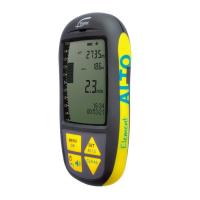
1. First ight
1.1 Get ready for the rst ight
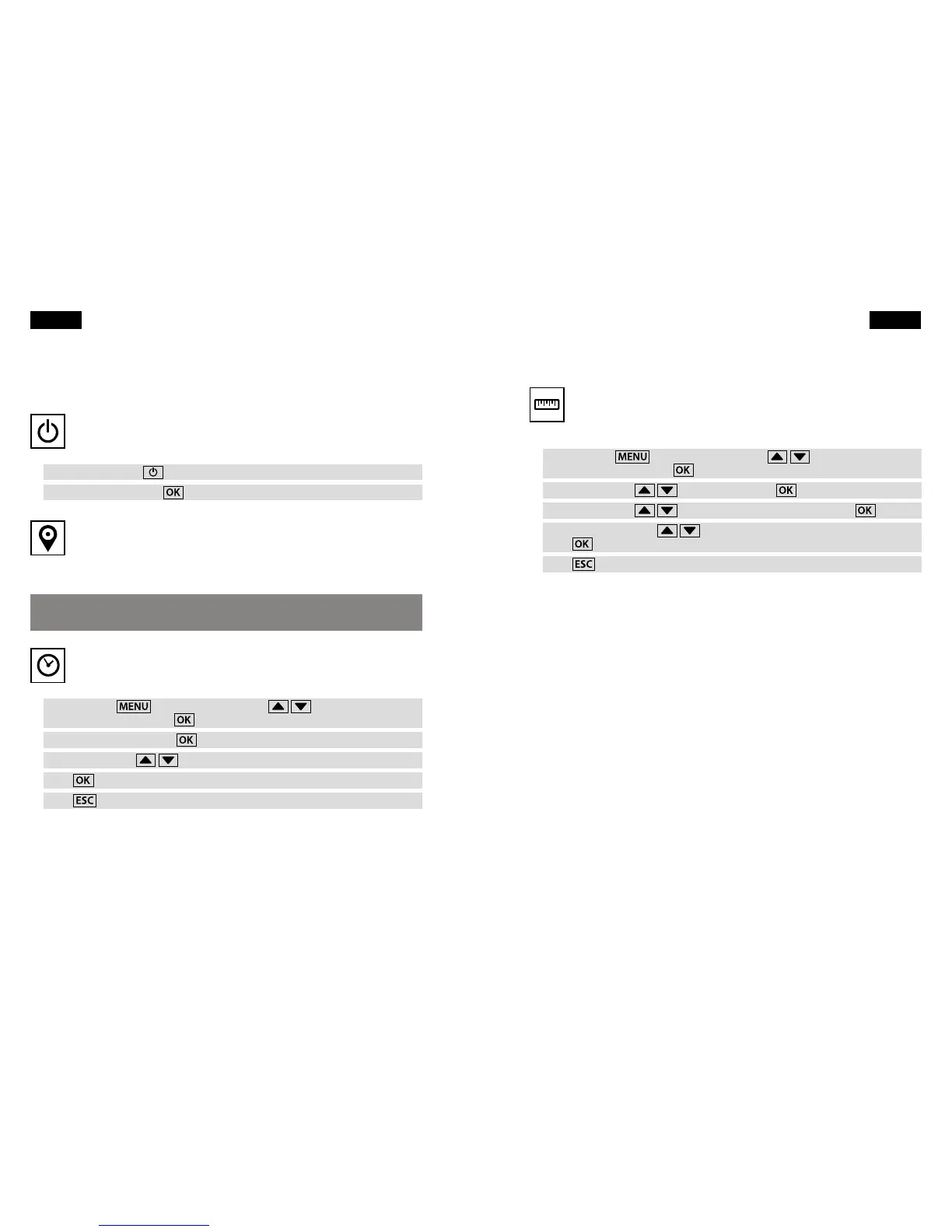
Switching on
The Element comes with two AA alkaline batteries with which the device
will operate for about 30 hours.
Press the On/O key
.
Conrm On? by pressing
.
GPS acquisition
Give your Element at least 2 minutes with an unobstructed view of the sky
to acquire a GPS signal. GPS 3D will appear at the top of the display screen
when the device receives sucient satellite reception. Battery charge state is also
indicated.
Your radio and mobile phone will interfere with GPS reception, so keep them
away from your Element.
Set time zone
Time and date are automatically set by GPS, but you will need to input
your time zone.
Press and hold
, then use the arrow keys
to select
Instrument settings. Press
.
Select Time zone and press
.
Use the arrow keys
to choose your UTC (World Time) oset.
Press
.
Press
to return to the Main Setup Menu.
4 First flight
Choose units
You should also choose which units of measurement you would like your
Element to display. Metric or imperial units, Fahrenheit or Celsius scale, and
other choices are located in the Instrument Settings menu.
Press and hold
, then use the arrow keys
to select
Instrument settings. Press
.
Use the arrow keys
to select Units. Press
.
Use the arrow keys
to select the unit to be changed. Press
.
Now use the arrow keys
to select your unit preference.
Press
.
Press
to return to the Main Setup Menu.
First flight 5
English English



 To Next Page