Web: www.fmuser.net Email: rita@fmuser.net Skype: rita.cai87 MSN: rita_cai_jxpx@hotmail.com
6 / 11
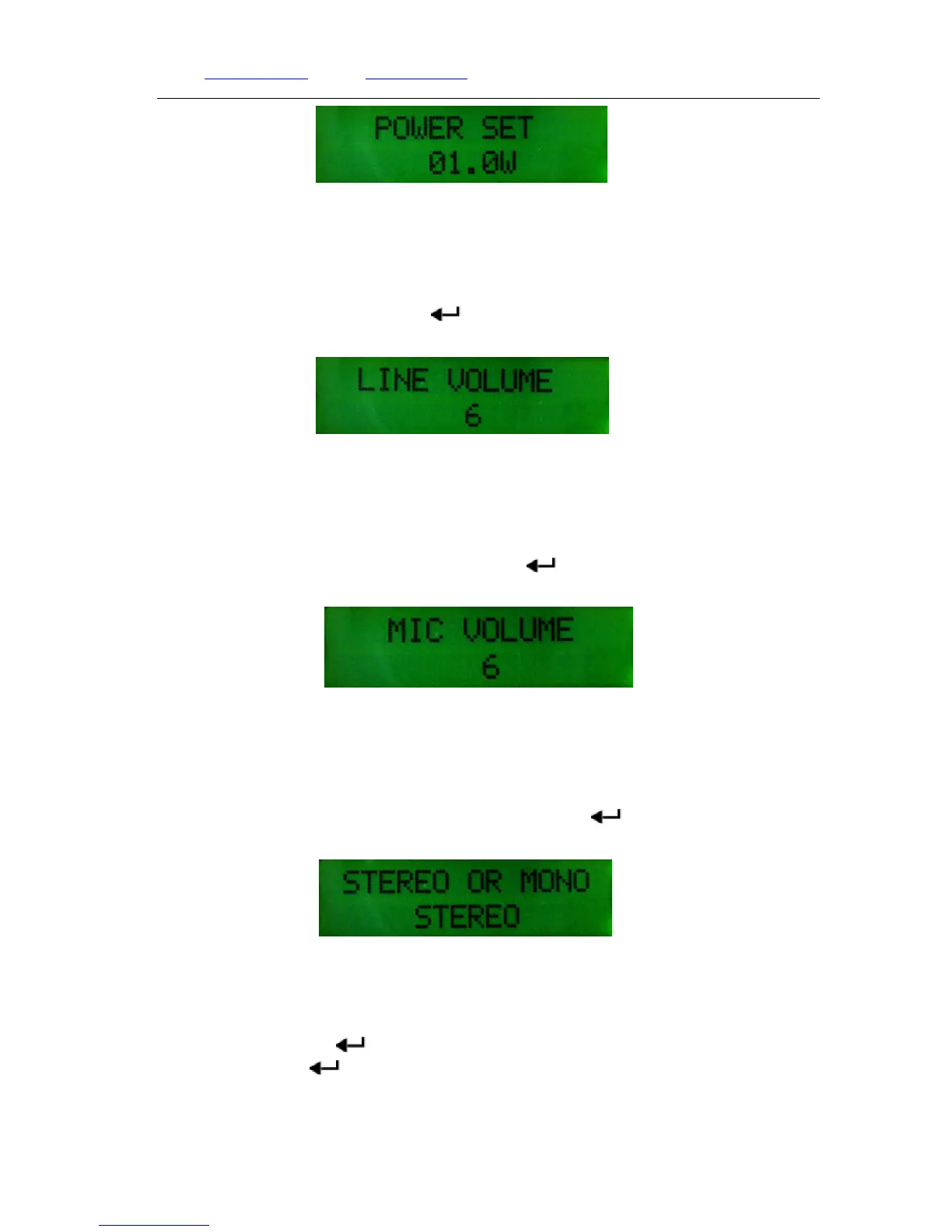
Power setting page
6. Audio volume setting
In home page, press【LINE】to the audio volume page, press【▲】or 【▼】 button to adjust
the volume between 1~13, then press【 】button back to the home page.
Audio Volume adjusting page
7. Microphone Volume setting
In home page, press【MIC】 to the microphone volume setting page, press【▲】or【▼】 to
adjust the volume between 1~30, after setting press【 】back to the home page.
Microphone volume adjusting page
8. Mono/Stereo Setting
In homepage, press【ST/MONO】button to the channel setting page, press【▲】to enter Stereo
status, press【▼】button to enter MONO status, then press【 】back to the home page.
Mono/Stereo Setting page
9. Standby or Switch ON.
In home page, press【 】button for 3seconds to the standby page, the transmitter will stop
broadcasting. Press【 】to confirm return to the home page and switch to the previous status
before standby.


 To Next Page