15
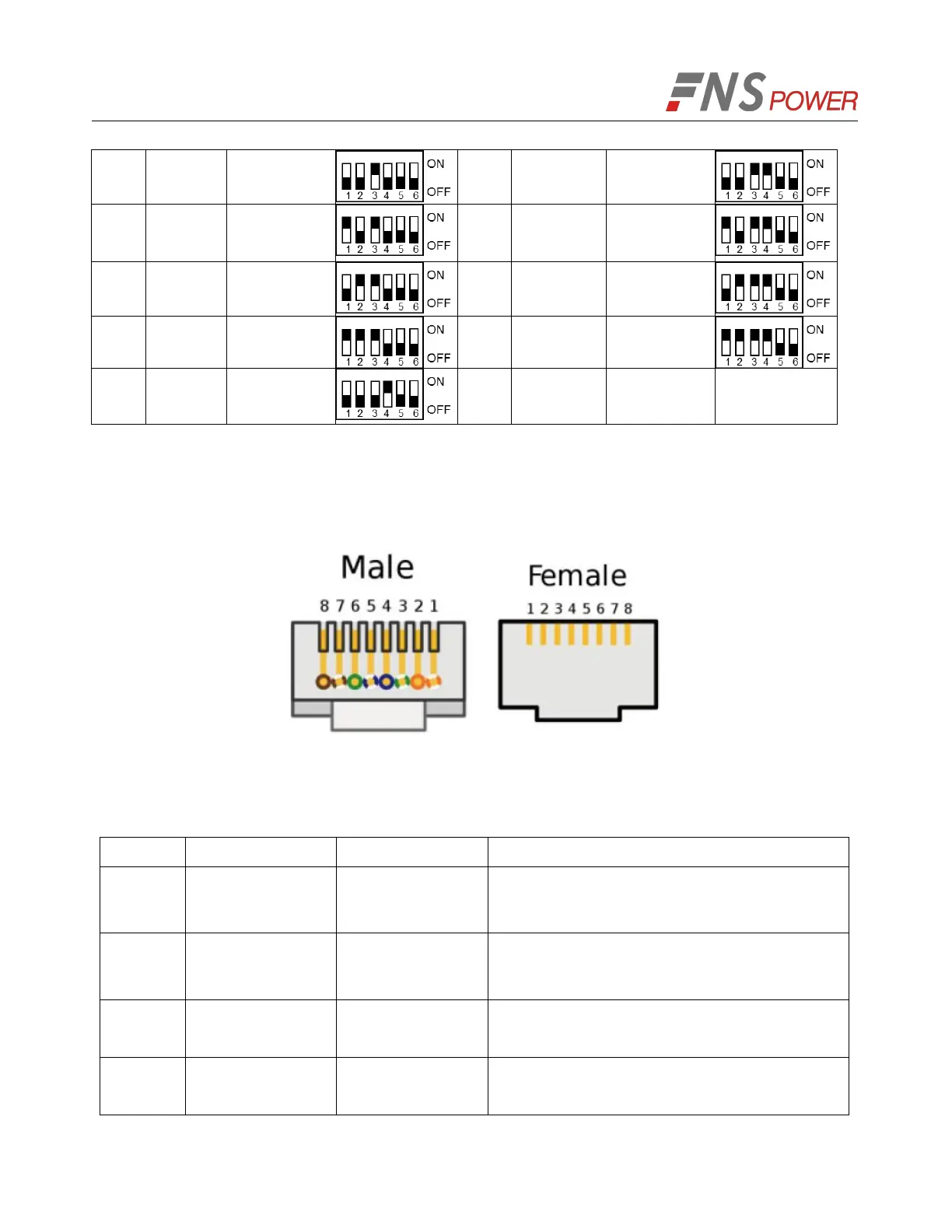
Note: After the DIP settings are changed, a restart is required to take effect.
4. Connect the communication line between battery and computer
(1) RS485/CAN Port Definition
(a) RJ45 Pin Male (b) RJ45 Pin Female
Figure 5-5: Communication Port
Table 5-2: Description of RJ45 Pin
2-wire RS485 communication,
complying with the Modbusprotocol
2-wire RS485 communication,
complying with the Modbusprotocol
2-wire CAN communication,
complying with the CAN protocol



 To Next Page