C SERIES USER’S MANUAL
20
6.1.4 Bounded system
The cutter adopts advance optical coupler bounded system. The following introduces how
the optical coupler takes effect.
1. Move the carriage to the left side of the cutter, if the cutter exceeds the work area, the
optical coupler bounded system takes effect. It will prevent the carriage strike to the
cutter side. Move the carriage to right the bounded system will lose effect.
2. When the cutter is working, if the work area set in the software is too large and cause
the carriage move to the left and exceed the work area, the bounded system will
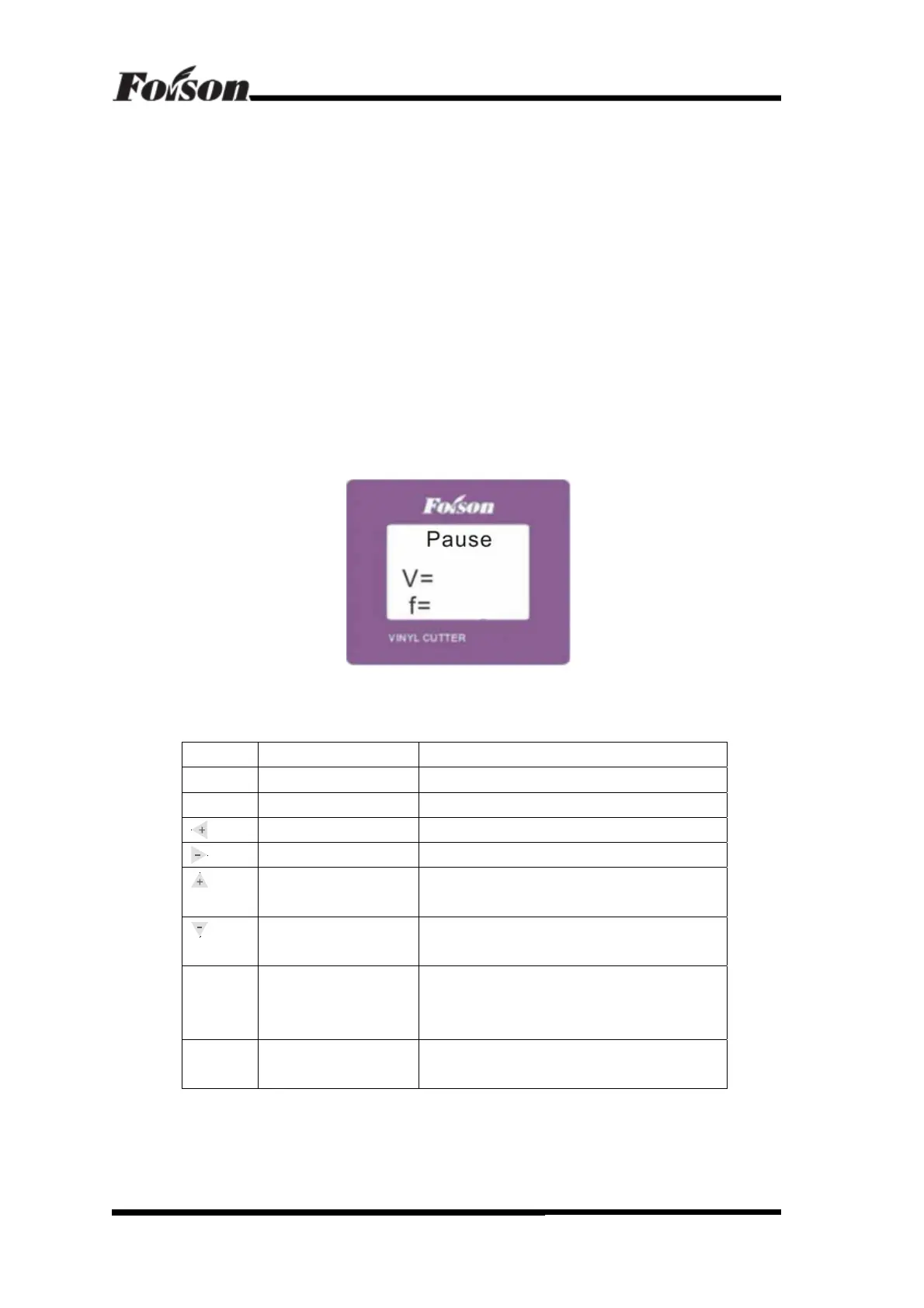
activate automatically. The cutter will stop working and the LCD displays Pause
(shown as followings). The cutter shall restart and current job can be neither save or
continue working.
Hints: In the software, please don’t set the work area that exceeds the effect work area. Also
please pay attention to position between the original point and left side of the cutter to
prevent the bounded system takes effect.
6.2 Online Keyboard Function Definition
1
st
Level Menu Keyboard Definition
Button Function Description
Online Online/Offline Press once to switch to offline status
Menu Menu Switch Press once and enter into Setting menu
Knife Force Increase Press once, the knife force increases by 20g.
Knife Force Decrease Press once, the knife force decrease by 20g
Cutting Speed Increase Press once, the cutting speed will increase by
50mm/s
Cutting Speed Decrease Press once, the cutting speed will decrease by
50mm/s
Pause Pause/Resume If either speed or knife force is not optimized, press
Pause once to pause working, after adjusting, press
once to resume working
Repeat Knife drop/raise Press once for knife dropping and press again knife
raising
Online Keyboard Function Definition



 To Next Page