8
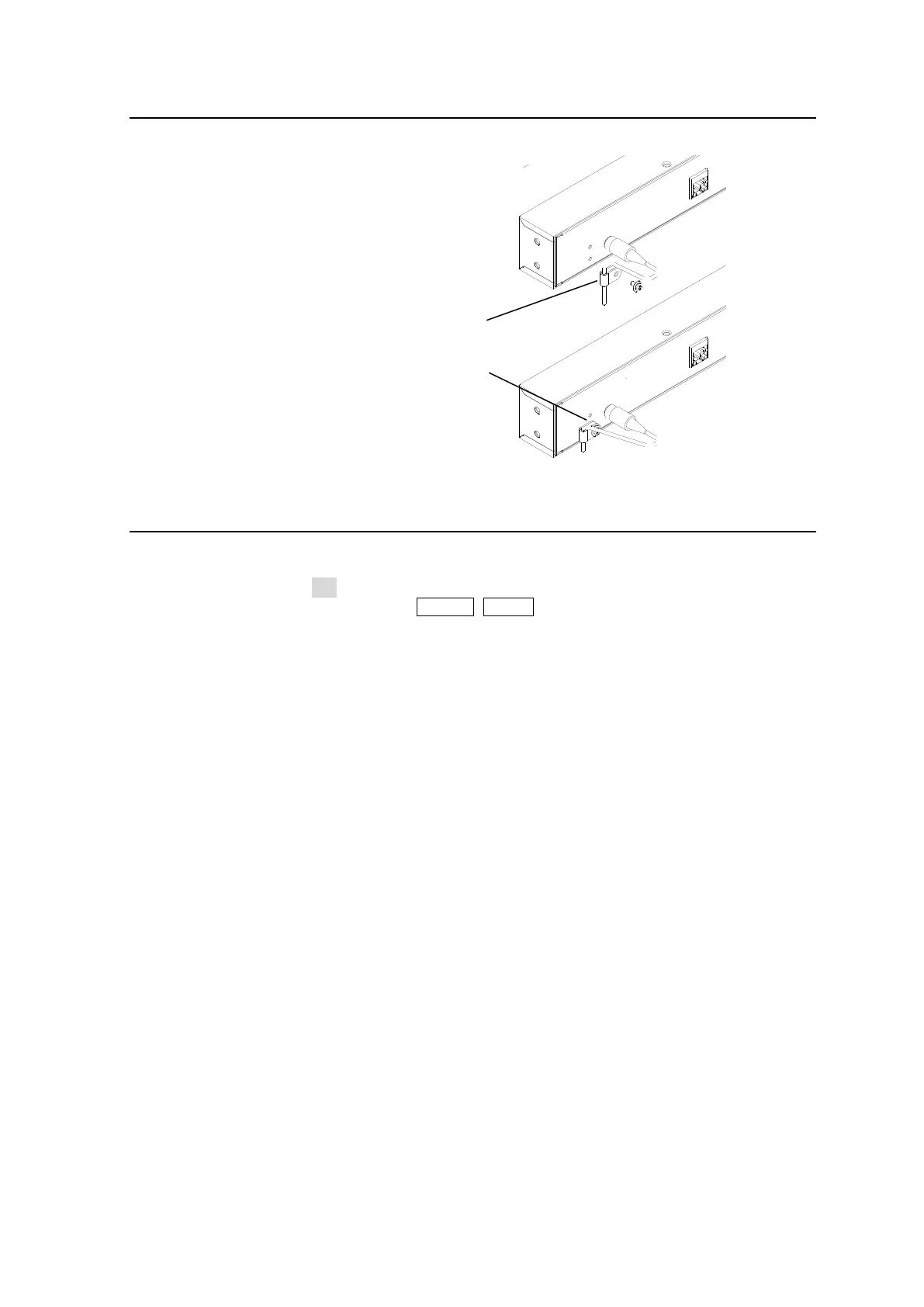
Installing the DC Cable Retaining Bracket
Install the supplied retaining bracket onto the rear panel of devices, such as a Control Unit as
shown below.
Font Conventions
The following conventions are used throughout this manual:
Shaded text (such as ON) indicates parameter values in the menu.
Text enclosed by a square (such as ALARM, MODE) indicates front panel buttons on the
MFR-5000 or Remote Control Units.
References to the MFR Series Web-based Control Software are indicated by [Web-based
Control: XXX page].
2) Secure the clip with
the supplied screw.
1) Bundle the cable with
the supplied clip.



 To Next Page