52/65
automatically mark the result as a control solution test with “QC” display.
3. Manual QC mode for other FORA’s meter: Press MAIN button to mark this test
as a control solution test. With “QC” displayed, the device will store your test
result in the memory under “QC”. If you press MAIN button again, the “QC”
will disappear and this test is no longer a control solution test.
4. Apply the control solution. Shake the control solution vial thoroughly before use.
Squeeze out a drop and wipe it off, then squeeze another drop and place it on
the tip of the vial cap. Hold the device to move the absorbent hole of the test
strip to touch the drop. Once the confirmation window is filled completely, the
device will begin counting down.
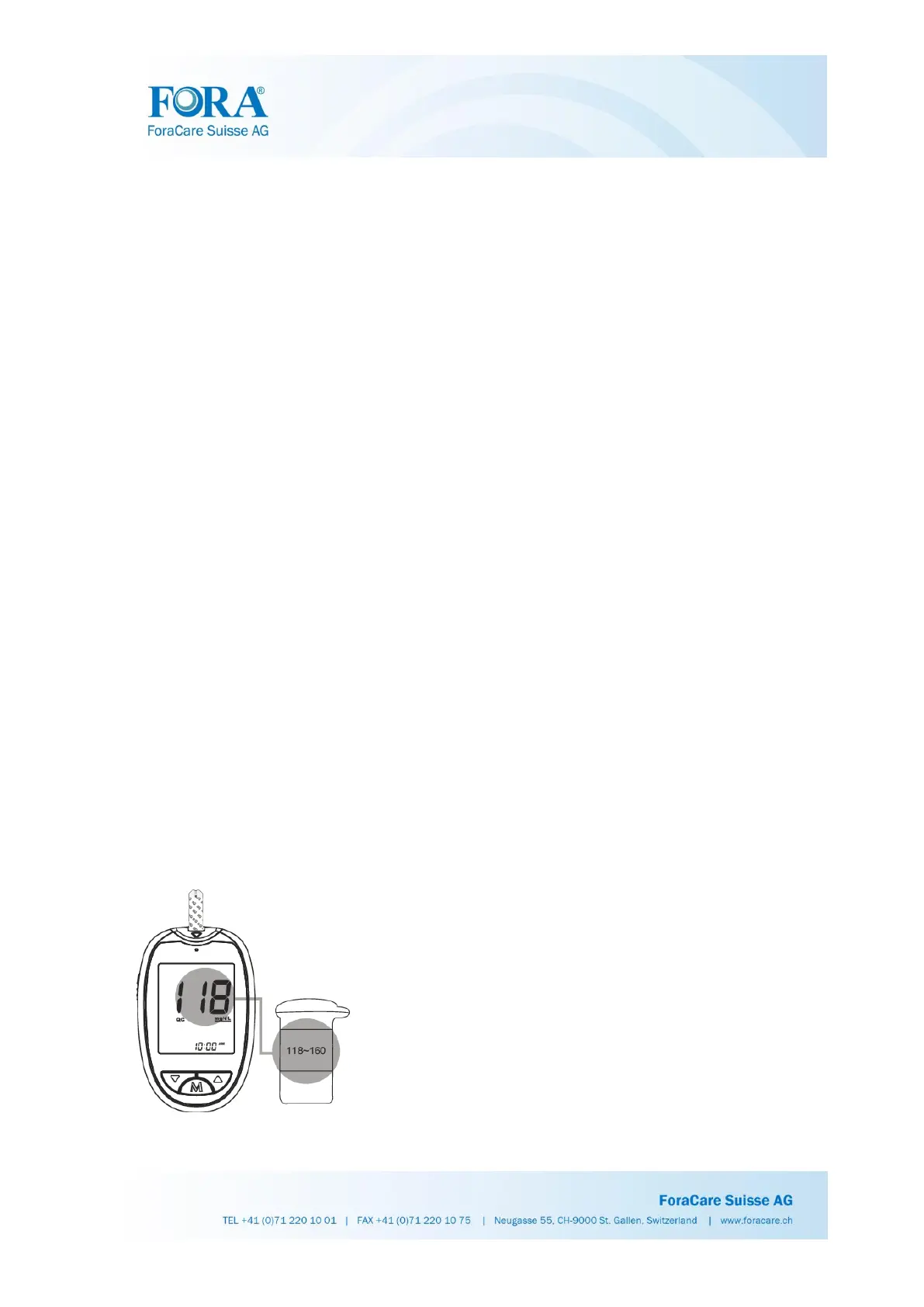
5. Read and compare the result. After counting down to 0, the test result of the
control solution will appear on the display. Compare this result with the range
printed on the test strip vial or individual foil pack and it should fall within this
range. If the test result is out of range, read the instructions again and repeat the
control solution test.
Q32: Where can I find the control solution range?
The range of the control solution test is printed on the test strip vial or individual foil
pack and your test should fall within this range. If the test result is out of range, read
the instructions again and repeat the control solution test.



 To Next Page