15
Step 4
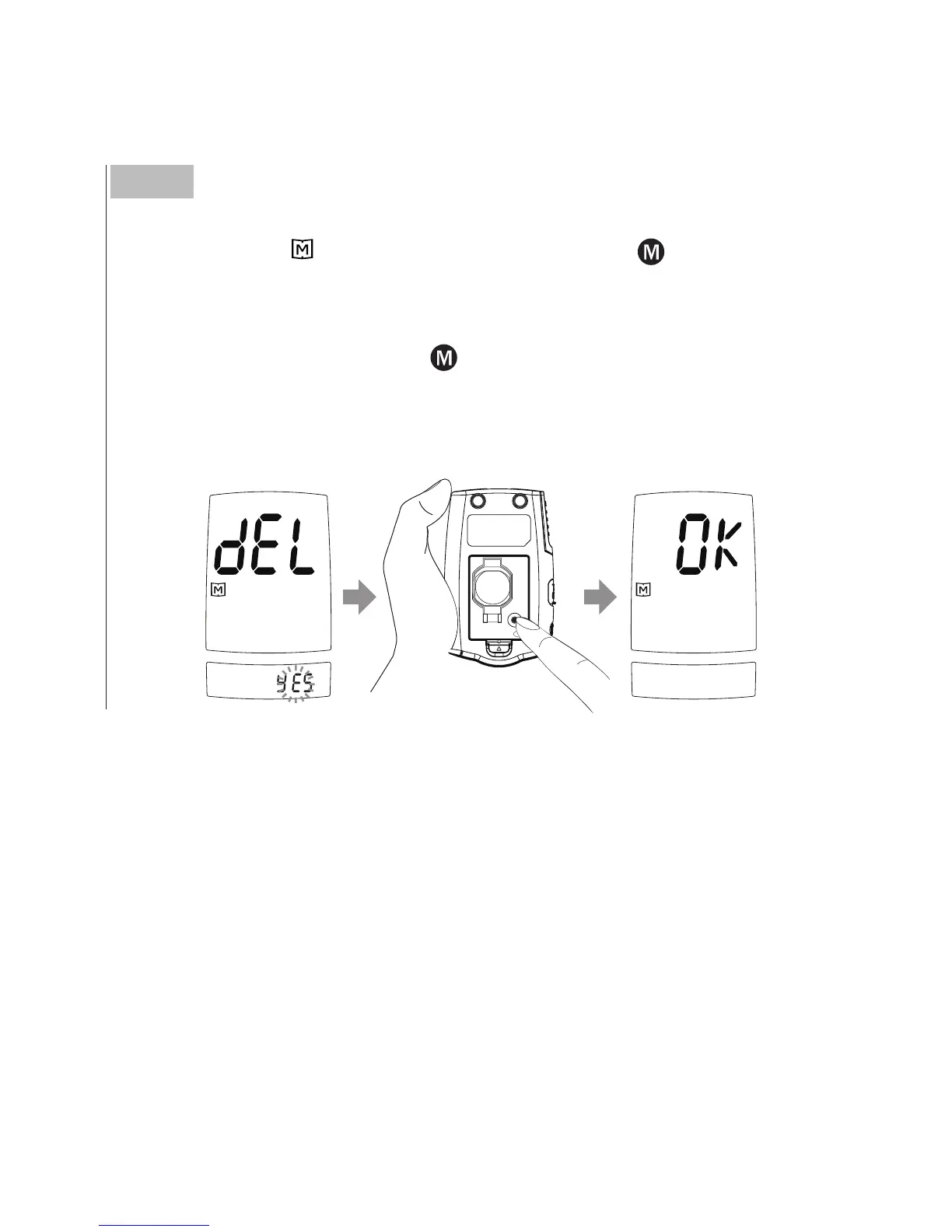
Deleting the memory.
With
“
dEL
”
and
“
”
symbol on the display, press
and select
“
no
”
to keep the results in memory then press SET to skip.
To delete all the results, press
and select
“
YES
”
.
Then press SET to delete all memory.
“
OK
”
is displayed in the meter,
which indicates that all data stored is deleted.
BATTERY
SET



 To Next Page