33
Step 1
Obtaining the required cable and installing the software.
To download the Health Care Software System, please visit the
Fora Care Inc, website at www.foracare.com/support.html and
select the
“
Software & App
”
to download the
“
Health Care Software
System
”
software. Follow the online instructions to install the software
to your computer.
Step 2
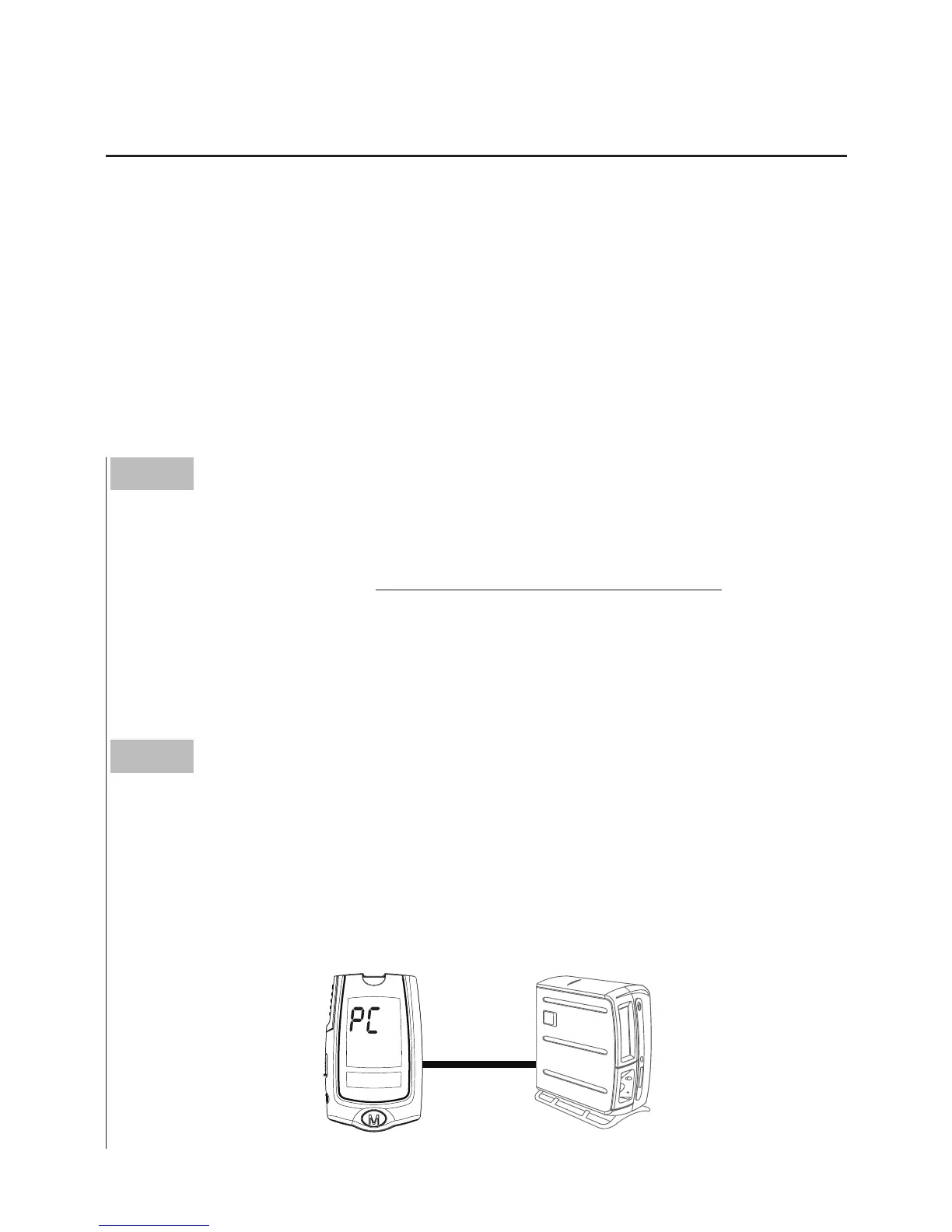
Connecting to a personal computer.
Connect the cable to a RS232 port on your computer. With the meter
switched off, connect the other end of the RS232 cable to the meter
data port.
“
PC
”
will appear on the meter display, indicating that the
meter is in communication mode.
Downloading Results onto a Computer
Data Transmission Via Cable
You can use the meter with a RS232 interface cable and the Health
Care Software System to view your test results on your personal
computer. To learn more about the Health Care Software System or
to obtain a RS232 interface cable separately, please contact local
customer services or the place of purchase for assistance.



 To Next Page