10
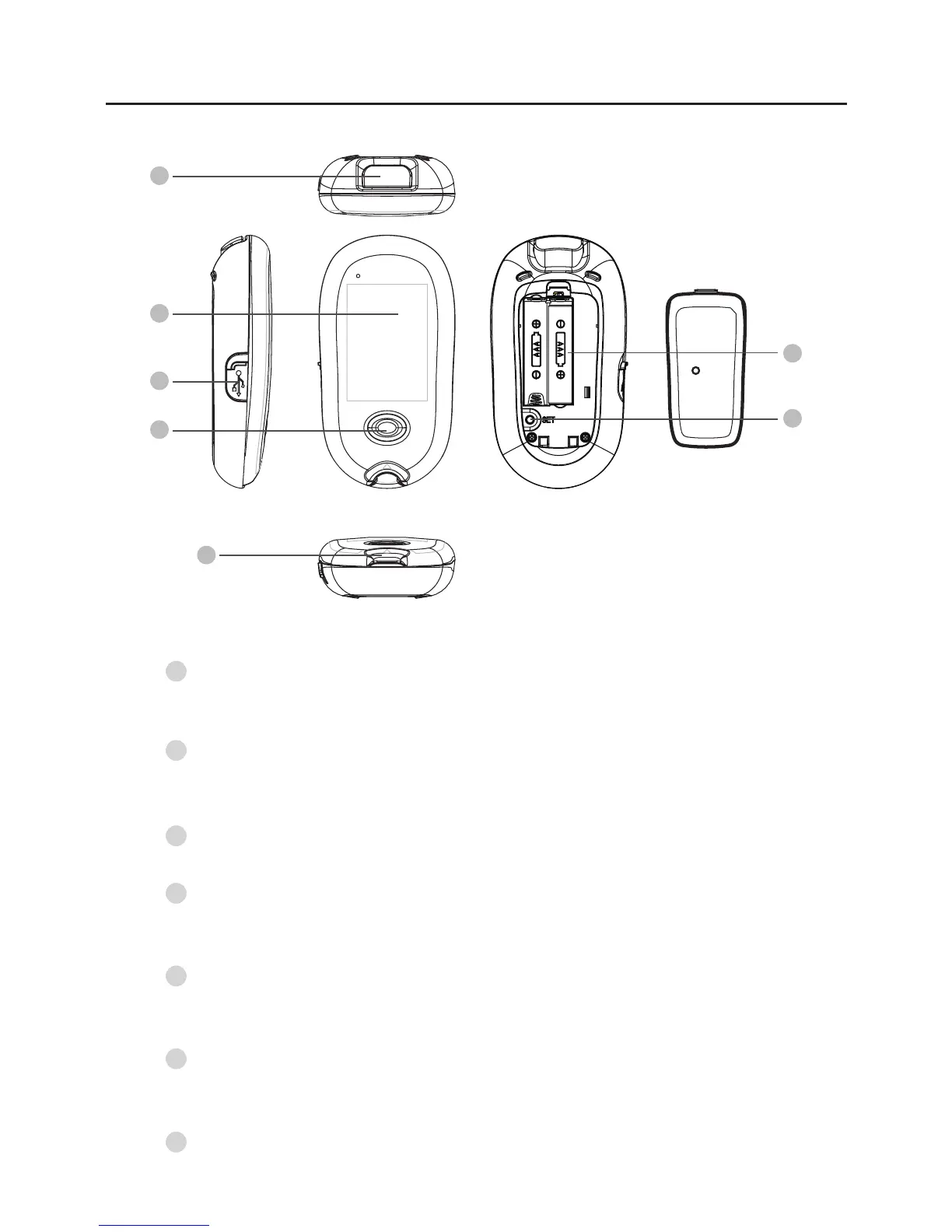
Meter Overview
Test Slot
Insert test strip here to turn the meter on for testing.
M Button
Enter the meter memory and silence a reminder alarm.
Display Screen
Test Strip Ejector
Eject the used strip by pushing up this button.
Data Port (for GD40a only)
Download test results with a cable connection.
SET Button
Enter SET mode and confirm the meter settings.
Battery Compartment
1
2
3
5
7
6
4
Front
Rear
Side Back
Top
4
5
3
2
6
7
1



 To Next Page