12
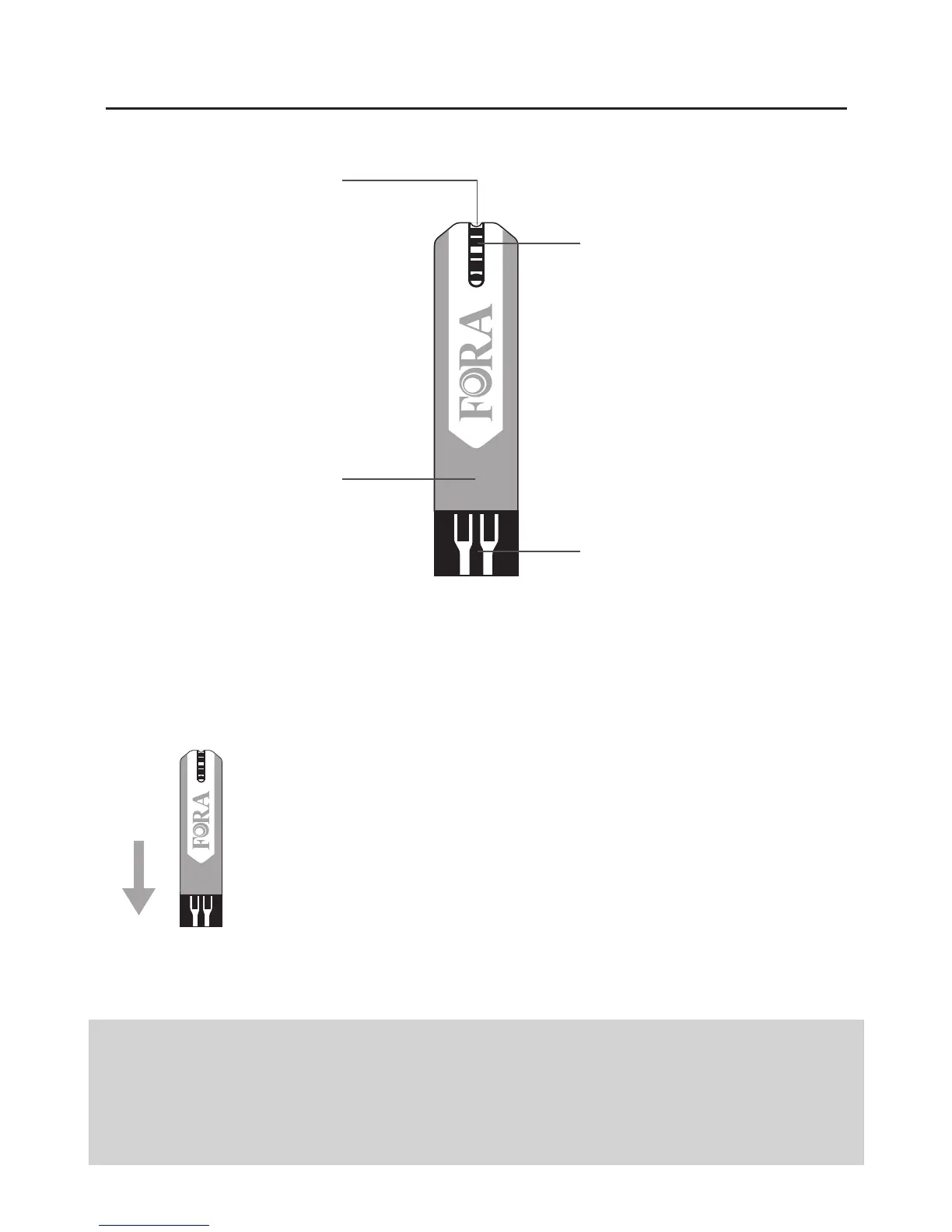
Test Strip
Test Strip Handle
Hold this part to
insert the test strip
into the slot.
Confirmation Window
Confirm if enough blood
has been applied to the
absorbent hole of the
strip.
Contact Bars
Insert this end of the test
strip into the test strip
slot.
Absorbent Hole
Touch to a drop of
blood here, blood will
be automatically
drawn in.
ATTENTION:
The front side of test strip should face up when
inserting test strip.
Test results might be wrong if the contact bar is not fully
inserted into the test slot.
NOTE:
The ForaCare GD40 meter should only be used with ForaCare GD40 Test Strips.
Using other test strips with this meter can produce inaccurate results.



 To Next Page