25
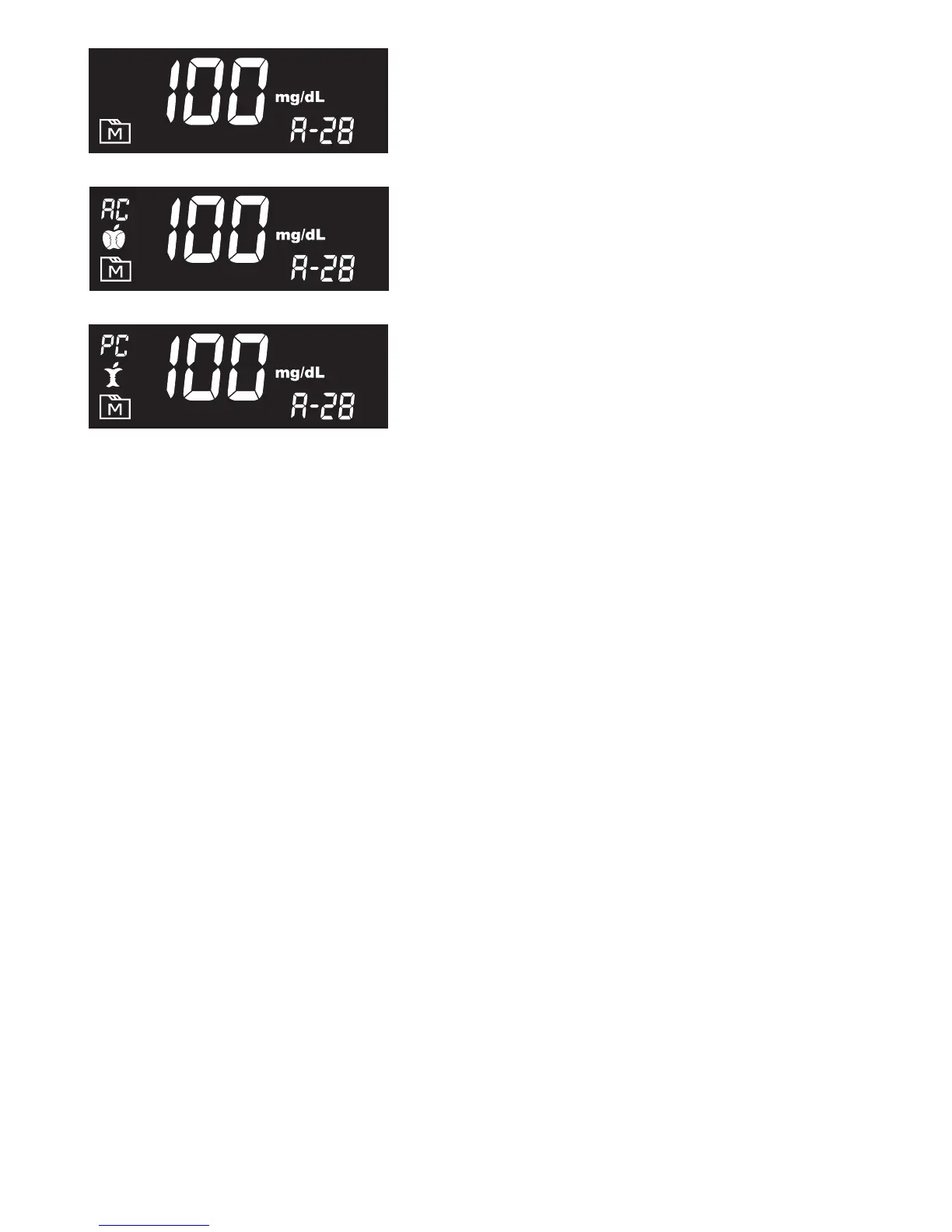
2. Press Main button to review
14-, 21-, 28-, 60- and 90- day average
results stored in each measuring mode in
the order of Gen, AC, then PC.
3. Exit the meter memory
Keep pressing the Main button and the meter will turn off after displaying
the last test result.



 To Next Page