24
NOTE:
The results of control solution tests are NOT stored in the memory. Stored results
are blood glucose results only.
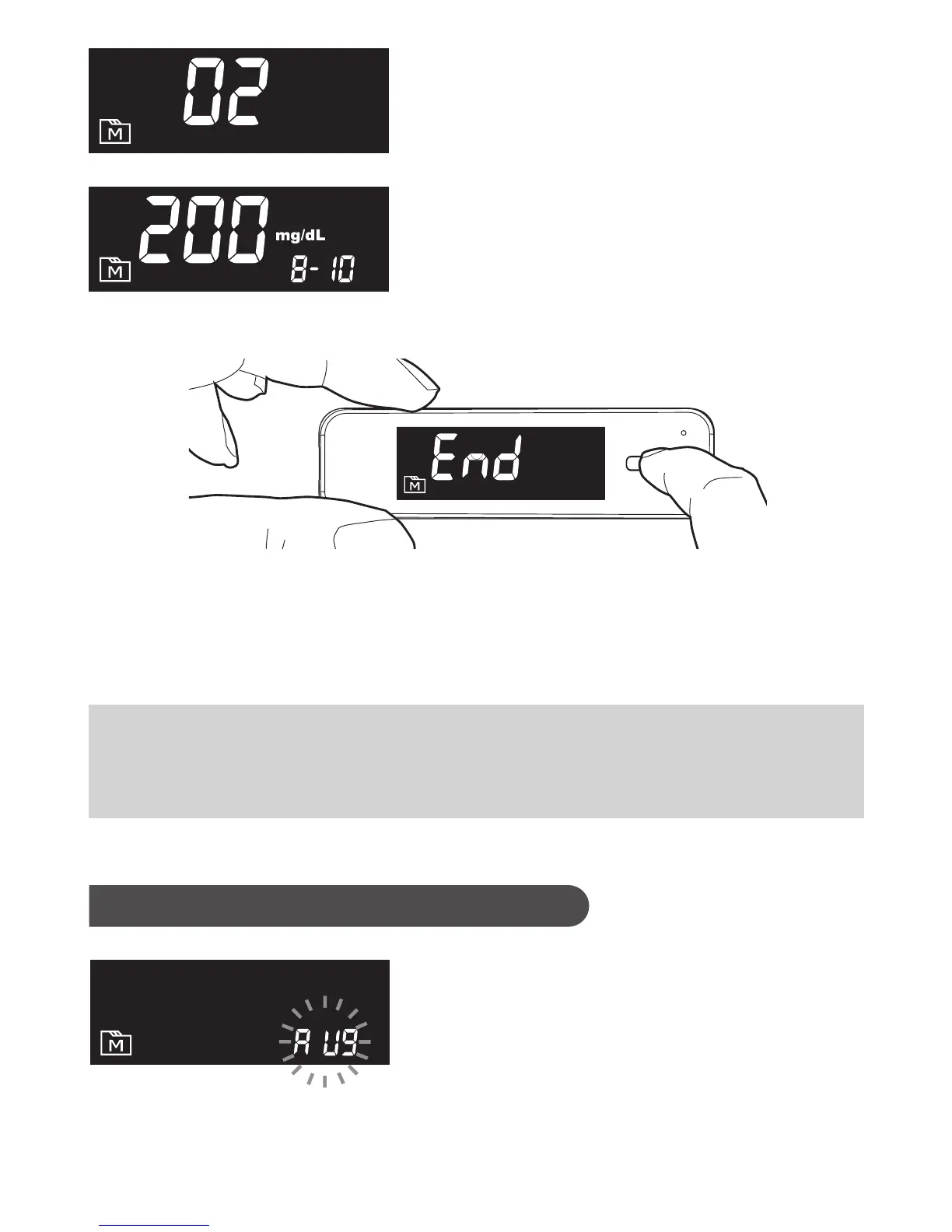
3. Exit the memory mode
Press the Main button for three seconds to turn off the meter or after the
last result, the display will show “End” and it will turn off automatically.
Viewing Day Average Results
1. Press and release Main button
Keep pressing Main button for 3 seconds
until the flashing “AVG” appears. Release
Main button and then your 7-day average
result measured in general mode will
appear on the display.



 To Next Page